
4.4
2,100+ reviews on G2

Cleaning a toaster means unplugging it, emptying and washing the crumb tray, and wiping the outside with a soft damp cloth, without ever putting the toaster in water. KitchenAid recommends emptying the crumb tray after each use. Four things matter:
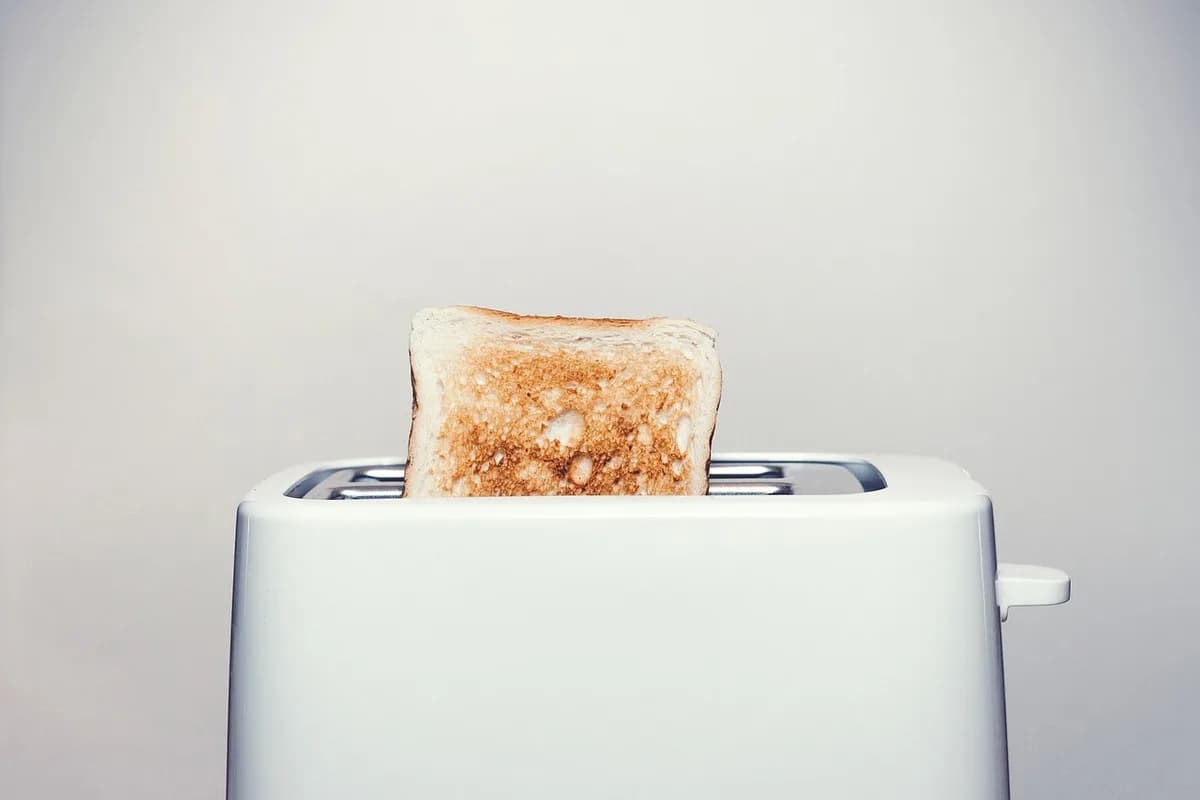
Unplug the toaster and let it cool, including the crumb tray.
Built-up crumbs affect toasting and can make one side darker.
Wipe the outside with a damp cloth. Do not immerse the toaster.
Scouring pads and harsh cleaners scratch the finish.
Keep your chores in Evernote. Let the Assistant read the manual and set a repeating task.
Pull the plug and wait until the toaster and its crumb tray are cool. The tray can be hot right after toasting.
Slide out the crumb tray at the bottom and shake the crumbs into the trash.
Wash the tray with dish soap and a sponge or dishcloth, then dry it with a soft cloth. On many models the tray is hand-wash only.
Wipe the outside with a soft, damp cotton cloth and a little dish soap, then wipe off the soap and dry with a microfiber cloth. Paper towels and abrasive cleaners can leave scuff marks.
If a bread bag melted onto the toaster, rub it gently with a damp sponge or toothbrush and a paste of baking soda and water, once the toaster is cold.
Press the crumb tray in until it clicks. Use the toaster only with the tray in place, and check the shade setting, which can shift while you wipe.
Check the shade setting after cleaning; it may have shifted (KitchenAid).
One card per chore. Copy it, or save it to your Evernote account and keep it next to the manual.
Chore: Clean the toaster
How often: Crumb tray after use, full clean weekly
Takes: [minutes]
You need: [supplies]
Steps:
1. [first step]
2. [next step]
Model number: [from the label on the appliance]
Last done: [date] · Next due: [date]
4.4
2,100+ reviews on G2

4.4
8,200+ reviews on Capterra

4.4
73,000+ reviews on App Store

248M
Registered users

KitchenAid recommends emptying the crumb tray after each use. A full wipe of the tray and the outside once a week keeps it working well.
No. KitchenAid says not to immerse a toaster in water. Wipe the outside with a damp cloth and wash only the removable crumb tray.
KitchenAid says the setting may have shifted while you wiped the outside.
Once the toaster is cold and unplugged, rub gently with a damp sponge or toothbrush and a baking soda and water paste.
KitchenAid warns against parchment paper, plastic, styrofoam or aluminum foil in a pop-up toaster slot. They can make a mess, damage the toaster or start a fire.
On KitchenAid toasters it is hand-wash only. Check your model's manual.
Keep one note per chore in a Home notebook, and let tasks bring each chore back when it is due.
Attach the manual's PDF to the chore note and ask the AI Assistant how to clean the toaster. It reads the PDF and adds the steps to the note as a checklist.
Ask the AI Assistant for a task that repeats every Sunday. It comes with a reminder on the day it is due.
Open the Tasks view to see what is due in the next 7 days and later. Assign a task to anyone you share the note with.
Keep the steps with the manual, let each chore repeat on its own, and see everything that is due in one list.
Start for free