
4.4
2,100+ reviews on G2

Learning Python means installing it, working through the basics in order, typing and running every example yourself, and building small programs as soon as you can. It is free, and four habits matter most:
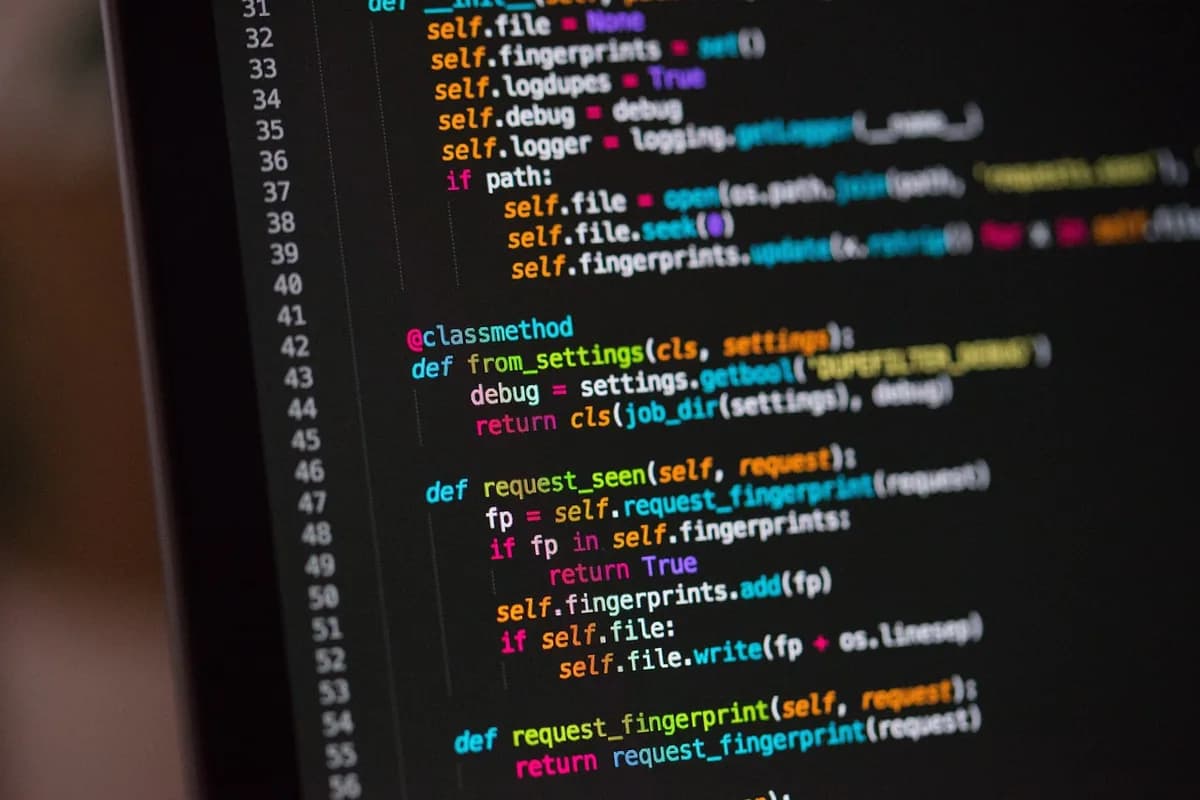
Variables, strings, lists, if, for and functions, in that order.
Run it, change it, and watch what breaks.
The last line says what went wrong and where to look.
A tip calculator is a small first project.
Learn in Evernote. Clip the docs, let the AI Assistant fix your code, and search any snippet.
Download the latest version from python.org: Python 3.15.2 was released on October 25, 2026. Python.org notes that many Linux and UNIX distributions include a recent Python, and some Windows computers come with it installed.
Python's IDLE is its own editor and interactive shell. The Python docs describe IDLE as Python's Integrated Development and Learning Environment, with colorized code and error messages.
Numbers and variables, text (strings), lists, then if statements, for loops and functions. That is the order of the official Python Tutorial, chapters 3 and 4.
Do not copy and paste. Type each example into the shell, run it, then change one thing and predict what will happen before you press Enter.
The last line of a Python error names what happened, like NameError or TypeError, and the lines above show where. Fix the first error, run again, repeat.
A tip calculator, a number-guessing game, a to-do list that saves to a file.
Next come tuples, sets and dictionaries (chapter 5 of the tutorial), then modules and the standard library that comes with Python.
Pick a fixed time each day and keep one practice log. Each session starts from where you stopped, and your notes hold every error you hit and how you fixed it.
All of these cost nothing. Pick one main course and stick with it, then use the others to fill gaps.
| Resource | From | Good for | Format |
|---|---|---|---|
| The Python Tutorial | Python docs | Some prior programming | Written chapters |
| Python for Beginners | python.org | Installers and links | Starting page |
| CS50P | Harvard, OpenCourseWare | Complete beginners | Ten weeks, final project |
| IDLE | Python's own editor | Trying code line by line | Editor and interactive shell |
From python.org, docs.python.org and cs50.harvard.edu. CS50P is free through OpenCourseWare; a verified certificate is available through edX.
One entry per session. Copy it, or save it to your Evernote account and keep your snippets in the same note.
Date: [day] · Time spent: [minutes]
Topic: [one concept, like for loops or functions]
Source: [tutorial, chapter or video, with its link]
What I built: [a small program, in one line]
Error I hit: [the last line of the error message]
How I fixed it: [one sentence, plus the corrected snippet]
Next session: [the next concept to learn]
4.4
2,100+ reviews on G2

4.4
8,200+ reviews on Capterra

4.4
73,000+ reviews on App Store

248M
Registered users

Harvard's free CS50P course covers the core of the language in ten weeks of material plus a final project. How long it takes you depends on your schedule.
Yes. Python itself is free, and so are the official Python Tutorial on docs.python.org and Harvard's CS50 Introduction to Programming with Python, which you can take through OpenCourseWare.
Yes. Python.org describes it as easy for beginners to use and learn. Harvard's CS50P is designed for students with or without prior programming experience.
Variables and numbers, strings, lists, if statements, for loops and functions. After that, dictionaries, modules and working with files.
No. Python itself is about storing values, making decisions and repeating steps. Math matters when you work on math-heavy fields such as data science and machine learning.
It says itself that it is written for people new to Python, not new to programming. If you have never coded, start with a beginner course such as CS50P and use the tutorial as a reference.
A tip calculator, a number-guessing game, a quiz, a to-do list that saves to a file, or a script that renames a folder of photos. Pick something you would use yourself.
Start at the bottom. The last line names the type of error and what happened, such as "NameError: name 'spam' is not defined". The lines above it show the file and line number where it happened.
Keep one notebook for Python: the pages you clip, your practice code in code blocks, and every error you fixed.
Save the for loops chapter with the Web Clipper into a notebook called Learning Python. The clip keeps its link, and its code samples keep their colors.
Put your code and its IndexError in a note, then ask the AI Assistant why the loop goes past the end. It explains the error and fixes the code block in place.
Search for "enumerate" when you forget how it works. Evernote searches your clips and practice notes, code blocks included, and opens the note at the match.
Clip the docs you learn from, ask the AI Assistant why your code breaks, and find any snippet again by searching for it.
Start for free