
4.4
2,100+ reviews on G2

Organizing your life means having one trusted place for everything you need to do, remember and keep, plus a short weekly habit of reviewing it. Start with four systems:
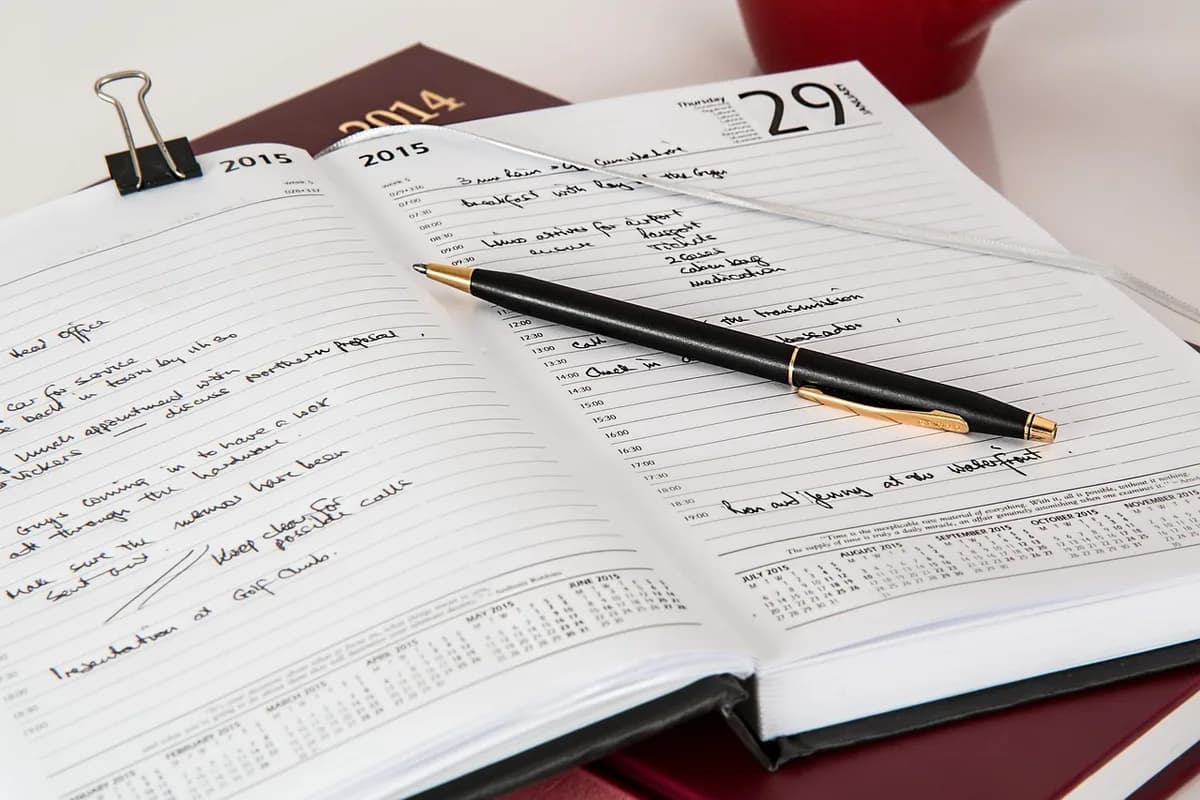
Every task, with dates where they exist.
Appointments and deadlines, all in one.
Bills, IDs, warranties, records.
A short look at the next 7 days.
Keep your plans in Evernote. The AI Assistant turns a brain dump into tasks with dates and priorities.
Write down every open loop: tasks, errands, worries, ideas, things you said you would do. In studies by Masicampo and Baumeister, making a specific plan for an unfinished goal stopped it from intruding on other work.
Group the list into a few areas: home, money, work or school, health, family.
Bills, renewals, appointments and birthdays go on your calendar or get a due date on your list. Undated tasks wait on the list.
IDs, insurance, leases, warranties and tax documents in one folder or one notebook.
Make rent, bills and check-ups repeating tasks once, and stop remembering them.
Pick tomorrow's most important tasks before bed. The Ivy Lee method uses up to six, in order.
Once a week, clear the list of what is done, look at the next 7 days, and add anything new.
Use it once a week to clear the list, look at the next seven days, and add what is new.
Week of [date]
Done since last review
[what you finished]
Next 7 days
[task] · [day]
Papers to file or scan
[document]
Repeating tasks to check
Rent · bills · subscriptions
One thing to fix
[task]
4.4
2,100+ reviews on G2

4.4
8,200+ reviews on Capterra

4.4
73,000+ reviews on App Store

248M
Registered users

With a brain dump: write down everything you need to do or remember, in one place. Then sort it by area and put dates on anything with a deadline.
Keep one list and one calendar, and review them once a week.
Whatever has a deadline or causes daily friction: bills, renewals, and the papers you keep searching for.
No, but an app helps when you want reminders, repeating tasks and the same list on your phone and computer.
Get everything out of your head onto paper or a note first. In studies by Masicampo and Baumeister, making a specific plan for unfinished goals eliminated the intrusive thoughts they caused.
Daily for tomorrow's top tasks, and once a week for the bigger picture.
Keep your tasks, papers and plans in Evernote notes, so every to-do sits next to the notes it belongs to.
Type every open loop into one note: home repairs, bills, appointments and papers to find. Ask the AI Assistant to turn it into tasks with dates and priorities.
Open the Tasks view to see the tasks from all your notes, grouped by Next 7 days, Future and No due date. Filter by priority to see what matters now.
Ask the Assistant to remind you the day before each due date. Evernote shows a notification when each reminder comes up.
Write down everything on your mind, let the AI Assistant turn it into tasks, and see what is next in one place.
Start for free