
4.4
2,100+ reviews on G2

Replacing windshield wipers means unclipping the old blade from the wiper arm and clipping on a new blade of the right length. Four things to know:
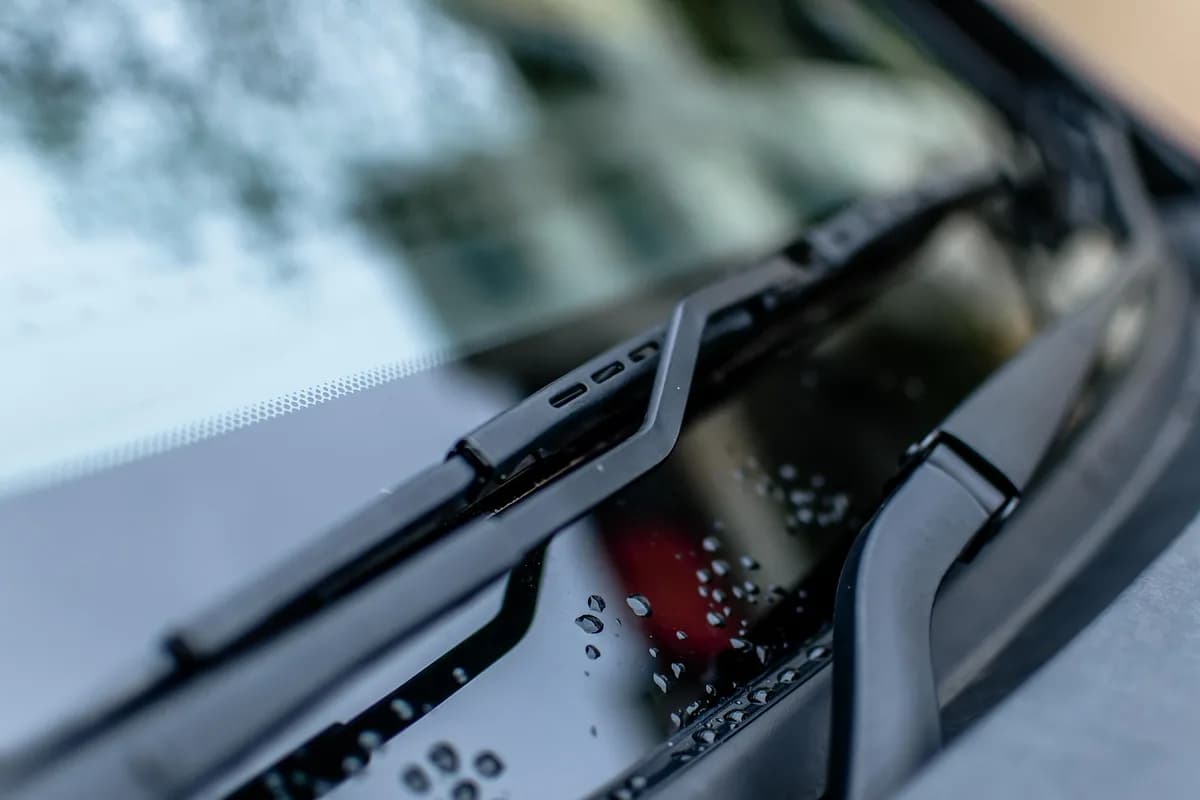
The driver's and passenger's blades are often different lengths.
Hook, pin and bayonet arms need different adapters, often in the box.
Lay a cloth on the windshield in case the bare arm snaps back.
Inspect the blades every 6 months. Streaks and squeaks mean it is time.
Keep your car records in Evernote. Ask the manual, log every job, and get reminded.
Measure each blade with a tape measure, or look up the sizes in your owner's manual or a fitment guide. Check both front blades separately: they are often different lengths.
Fold each arm up and away from the windshield. Some cars need the wipers in a service position first: your owner's manual says how. Put a cloth or a piece of cardboard on the glass under the arm.
Find the small tab, button or pair of tabs where the blade meets the arm. Press or pinch it and slide the blade toward the base of the arm. On a J-hook arm, the blade slides down the hook and comes free.
Pick the adapter in the new blade package that matches your arm, and follow the instructions printed on the package.
Slide the new blade onto the arm, reversing the way the old one came off. It should click or lock firmly into place.
Clean the windshield, lower the arm gently and run the wipers with washer fluid. A new blade should wipe without skipping or chirping. Note the date and the blade sizes for next time.
| Step | Check |
|---|---|
| 1Sizes | Driver's and passenger's lengths, measured or from the manual |
| 2Arm up | Cloth on the glass under the arm |
| 3Release | Tab pressed, blade slid toward the base of the arm |
| 4Adapter | Same shape as the connector on your arm |
| 5Lock | Heard or felt the click |
| 6Test | Wipes clean, no skipping, no chirping |
Front blades only. A rear wiper, if you have one, may take its own size.
Check the blades every 6 months, and whenever the view through the windshield gets worse in the rain.
| Sign | What it means | What to do |
|---|---|---|
| Streaks or smears | The rubber edge no longer wipes the glass evenly. | Replace both front blades. |
| Squeaking | The rubber is worn or hardened. | Replace the blades. |
| Torn, cracked or hard rubber | The blade is damaged. Run a finger along it to feel for it. | Replace the blade. |
| A new blade skips or chirps | The blade is the wrong size or is installed improperly. | Check the size and refit it until it clicks. |
| About a year has passed | That is about how often blades need replacing. | Replace them once a year. |
Source: Car and Driver, "How to Change Your Windshield Wiper Blades".
Copy it, or save it to your Evernote account and add a line after every job.
Car: [year, make, model] · Plate: [number] · Tire pressure: [psi from the door sticker]
Oil: [grade from the owner's manual] · Change every [miles] or [months]
Engine air filter: last changed [date] at [miles] · next at [miles]
Cabin air filter: last changed [date] at [miles] · next at [miles]
Battery: installed [month, year] · Wipers: replaced [month, year]
Log: [date] · [miles] · [what was done] · [shop or DIY] · [cost]
Next check: [date] · [what to check]
4.4
2,100+ reviews on G2

4.4
8,200+ reviews on Capterra

4.4
73,000+ reviews on App Store

248M
Registered users

Inspect them at least every 6 months and replace them about once a year. Lift each arm and run a finger along the rubber: tears, cracks or hard rubber mean it is time.
They leave streaks or smears, or squeak as they move across the glass. Damaged or hardened rubber on the edge of the blade is another sign.
Measure each blade or check your owner's manual. The driver's and passenger's blades are often different lengths, so confirm both.
A properly installed new blade should not. The most likely cause is the wrong size or an improper installation, so check the size and refit it until it clicks.
A bare arm hitting the windshield can damage it. Put a cloth or cardboard on the glass before you remove the old blade, and keep a hand on the arm.
Some cars need the wipers moved to a service position before you can lift the arms away from the glass. Your owner's manual says how to set it on your car.
Keep the owner's manual, receipts and a service log in a Car notebook. The AI Assistant finds what the manual says about wiper changes and keeps the log current.
Save the owner's manual PDF in the notebook. Ask the AI Assistant "What size wiper blades does my car take?" It reads the PDF and tells you the answer and the page.
Take a photo of the receipt into a note. Ask the Assistant to add it to your service log, and it fills in the date, mileage, work and cost.
Ask for a repeating task, like inspecting the wiper blades every 6 months. It comes back on schedule with a reminder.
Keep the owner's manual, your receipts and a service log in one notebook, and let the AI Assistant remind you of the next check.
Start for free