
4.4
2,100+ reviews on G2

To track mileage for taxes, keep a log of every business trip with the date, the destination, the business purpose and the miles, written at or near the time of the drive. At tax time you multiply the business miles by the IRS standard mileage rate, or use your actual car costs. A log needs four things:
Date, where you went, why, and how many miles.
At the start and end of the year, for your total miles.
At the time of the trip, or in a log you update every week.
Home to your regular workplace never counts as business.
Keep your receipts in Evernote. Scan or forward each one, then let the AI Assistant total them by category.
You can deduct the standard mileage rate or your actual car expenses. To use the standard rate for a car you own, you must choose it in the first year you use the car for business. In later years you can switch from the standard rate to actual expenses.
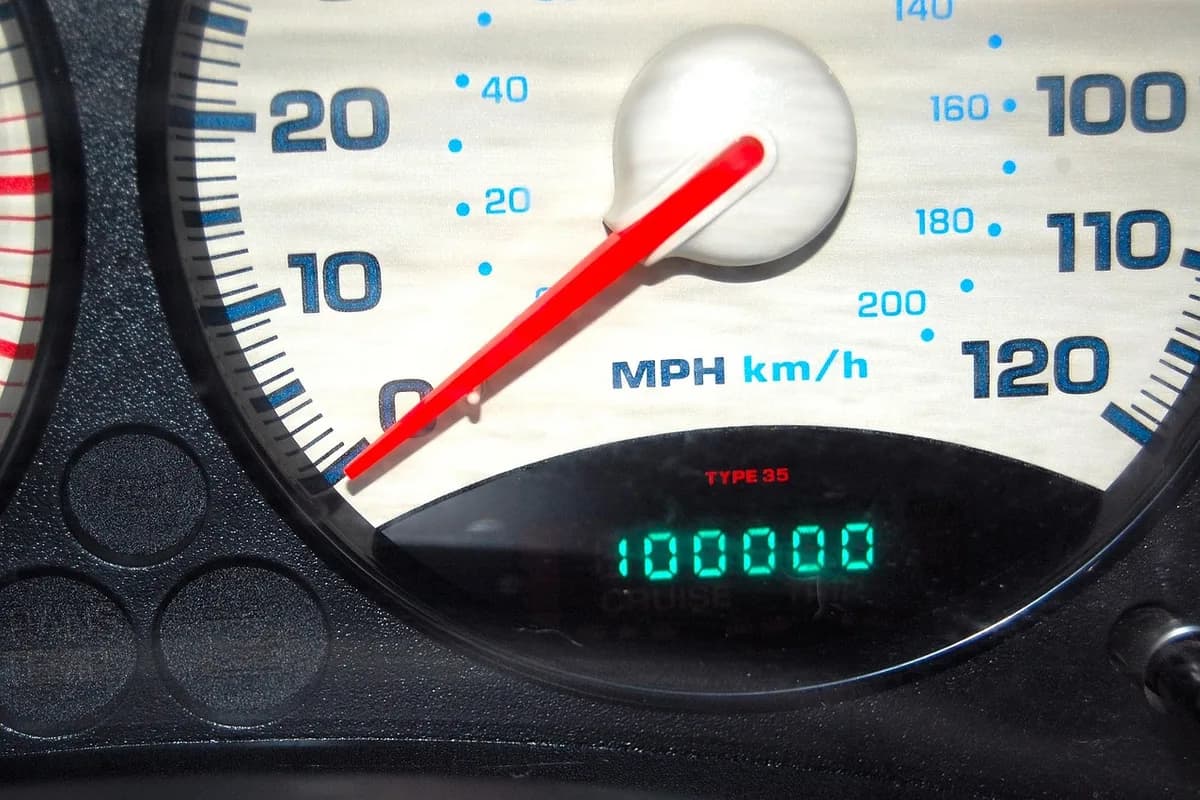
Note the odometer reading at the start of the year, or when you start using the car for business. You will need your total miles for the year, not just the business ones.
For every trip, write the date, where you went, the business purpose and the miles driven. "Client shoot, Oak Park, 18 miles" is enough. A purpose like "business" alone is not.
The IRS gives more weight to records made at or near the time of the trip. A log you update once a week counts as timely. A list rebuilt in April from memory is weak proof.
Driving between your home and your main or regular place of work is commuting, and it is never deductible, however far it is or if you work on the way.
With either method, you can also deduct business parking fees and tolls. Keep each receipt with the trip it belongs to.
Total the business miles and write down the odometer on December 31. For 2026, the business standard mileage rate is 72.5 cents a mile from January 1 to June 30 and 76 cents from July 1 to December 31.
| Date | Trip and purpose | Miles |
|---|---|---|
| 3Sep 21 | Studio to Lakeview, wedding venue walk-through | 14 |
| Sep 23 | Studio to print shop, pick up client albums | 6 |
| Sep 24 | Studio to Harbor Camera Supply, shutter repair | 9 |
| 6Sep 26 | Studio to Oak Park, client shoot. Parking $12 | 18 |
| 7Total | 47 |
Rate: IRS business standard mileage rate for July 1 to December 31, 2026.
Both need a mileage log, because both depend on how much of your driving was for business.
| Method | What you deduct | Records you keep | Good to know |
|---|---|---|---|
| Standard mileage rate | Business miles × the IRS rate (76 cents a mile from July 1, 2026), plus parking and tolls. | The mileage log and parking and toll receipts. | You cannot also deduct gas, repairs, insurance or depreciation for that year. |
| Actual expenses | The business share of gas, oil, repairs, insurance, registration, depreciation or lease payments. | The mileage log plus every car receipt. | The business share is business miles divided by total miles. |
Sources: IRS standard mileage rates and Publication 463, chapter 4.
One line per business trip. Copy it, or save it to your Evernote account and add each drive the day you make it.
Vehicle: [make and model] · Odometer on January 1: [miles]
Date: [date] · From: [start] · To: [destination]
Business purpose: [client, job or errand]
Odometer start: [miles] · Odometer end: [miles] · Business miles: [miles]
Parking and tolls: [$ amount, with the receipt in the same note]
Odometer on December 31: [miles] · Total miles for the year: [miles]
4.4
2,100+ reviews on G2

4.4
8,200+ reviews on Capterra

4.4
73,000+ reviews on App Store

248M
Registered users

For business use, 72.5 cents a mile from January 1 to June 30, 2026, and 76 cents a mile from July 1 to December 31, 2026. Check irs.gov for the current rate, because it can change during the year.
For each business trip: the date, the destination, the business purpose and the miles. Also record your total miles for the year, from the odometer. Write it at or near the time of the trip, or keep a log you update every week.
No. Driving between your home and your main or regular place of work is commuting, and the IRS never treats it as a business expense.
Yes. The IRS accepts records kept on a computer as written records, as long as they have the same details: date, destination, purpose and miles.
Yes. Business parking fees and tolls are deductible in addition to the standard mileage rate. Keep the receipts.
If you chose the standard mileage rate in the first year you used your own car for business, you can switch to actual expenses in later years. If you started with actual expenses, you cannot switch to the standard rate; see IRS Publication 463.
Rebuild them as soon as you can from calendars, invoices, emails or map history, and keep that evidence with the log. A record made close to the time of the trip carries more weight than one written months later.
Keep a mileage log in Evernote with the date, destination, business purpose and miles of each trip, and total the log at the end of the year.
Add a line to a mileage log note for every business trip, with the date, where you went, the purpose and the miles. A weekly update counts as timely.
Ask the AI Assistant to make a table of the trips, miles and parking or tolls from the log. Scan each parking and toll receipt and keep it in the same note as the trip.
Ask the Assistant "How many business miles did I drive in September?" It answers from your log and links to the note it used.
Capture receipts as they arrive, get totals by category in one request, and find any receipt when someone asks about it.
Start for free