
4.4
2,100+ reviews on G2

Write what happened, how you feel about it, what you are grateful for and what you want next. When nothing comes, a prompt does the work: a short question you answer in a few lines. These four kinds of prompts are a good place to start:
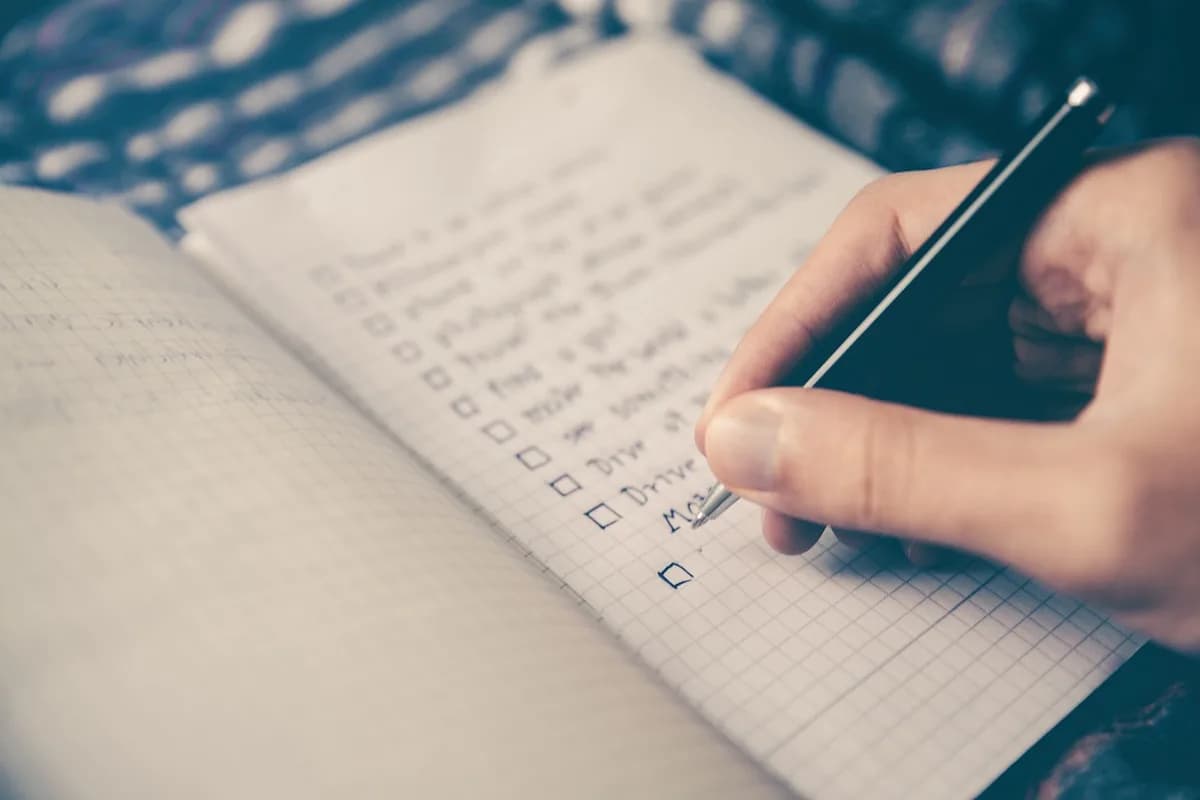
One moment from today, in two or three lines.
Name the feeling and what caused it.
One small, specific thing you are grateful for.
One thing you want to do tomorrow.
Journal in Evernote. Answer a prompt by voice, and the AI Assistant shows which prompts you skip.
What would make today good? What am I looking forward to? What is one thing I want to get done? How did I sleep? What am I worried about, and what can I do about it?
What happened today that I want to remember? What drained me? What gave me energy? What did I learn? What would I do differently?
Who helped me today? What small thing went right? What do I have now that I once wished for? Which place makes me feel calm? What made me laugh?
What am I feeling right now, in one word? Where do I feel it in my body? What triggered it? What do I need? What would I tell a friend who felt this way?
What do I want more of this month? What is one habit I want to start? What is in my way? What is one step I can take this week? How will I know it worked?
What has changed since a year ago? What am I proud of? What keeps coming up in my entries? What would I tell myself last week? What can I let go of?
2What happened today that I want to remember?
Sam called just to say hi. We talked for an hour.
3What small thing went right?
The bus came on time, so I wasn't late for the first meeting.
5What is one step I can take this week?
Book the dentist. It has been on my list for a month.
1Tomorrow's morning prompt
What would make tomorrow good? A walk at lunch.
Copy it, or save it to your Evernote account and use it as your daily note template.
Date: [today]
One thing I'm grateful for: [something small and specific]
On my mind: [what keeps coming back]
What happened today: [two or three lines]
How I feel: [one word, and why]
Tomorrow I want to: [one thing]
4.4
2,100+ reviews on G2

4.4
8,200+ reviews on Capterra

4.4
73,000+ reviews on App Store

248M
Registered users

The same three or four prompts work well: one thing you are grateful for, what is on your mind, how you feel, and one thing you want to do tomorrow.
Your plans and intentions: what would make the day good, what you are looking forward to, and what is worrying you.
Use a prompt, describe your surroundings for two minutes, or list five things you did today. One line still counts.
Nothing is off limits, but keep private details safe if others could read it. A locked app or encrypted text keeps passages private.
Name the feeling, where you notice it, what triggered it and what you need. The URMC notes journaling can help you spot triggers and practice positive self-talk.
Yes, for daily entries. The same prompts make it easier to start and easier to compare entries over time.
Keep one Journal notebook for your prompts. Evernote creates each day's page for you, and the AI Assistant reads back across your entries.
Turn on the daily note in Evernote settings and choose your prompt template and the Journal notebook. Each day a new note with your questions is waiting.
Record a voice note under the prompt. Evernote transcribes it into text in the same note, next to the recording.
Ask the AI Assistant "Which of my prompts do I skip most often?" It reads your entries and links to the ones it used.
Start from a page that's already there, talk when you'd rather not type, and let the AI Assistant show you the themes of your month.
Start for free