
How to keep track of things with Evernote
Keeping track works when the record is easy to update and easy to find. In Evernote you keep each log as a note, attach the receipts and photos that go with it, and set reminders for what comes next.
The guides below cover the things people track most: money, from a first budget to investing; the house and the car; workouts and weight; the garden; and hobbies you practice. Each guide gives a direct answer and a log or template you can copy.
Every guide ends with the Evernote steps: where to keep the log, how to scan the paper that goes with it, and how to get reminded when the next check is due.
What helps you keep track in Evernote
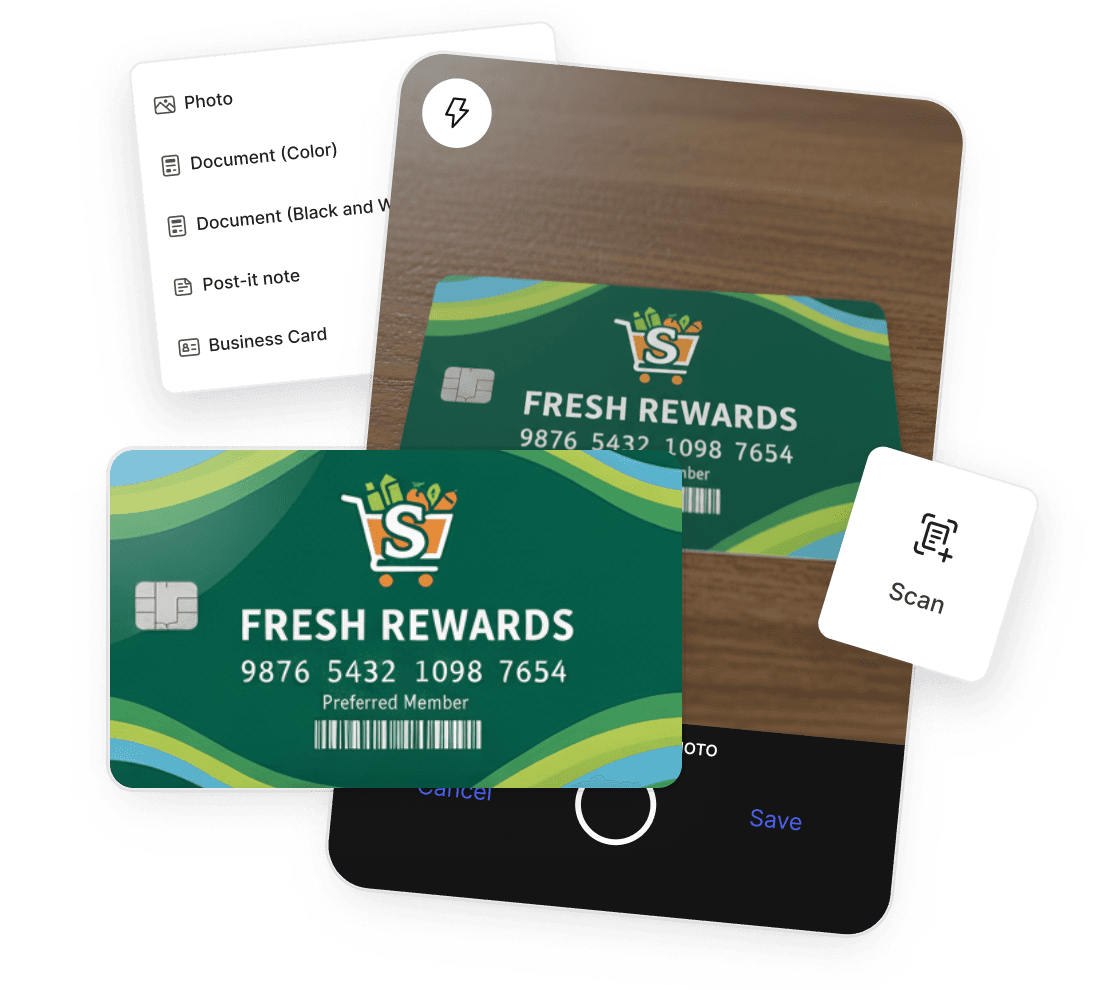
Keep receipts and records with the log
Scan receipts, bills and service records with your phone: tap Scan in the Create menu and Evernote captures the page. Words in scans and photos are searchable.

Get reminded when the next check is due
Add repeating tasks for the things that come back: pay a bill every month, check the tires every season, water the seedlings every week.

Find any entry again
Search finds words in your notes, in PDFs and in the text of scanned pages and photos, so last year's service record is one search away.
Money
75 guides
- What is a budget?
- What is a zero-based budget?
- Why is a budget important?
- How to make a budget spreadsheet
- What is the 50/30/20 budget rule?
- How to track financial goals
- How to set financial goals
- How to budget your paycheck
- How to create a family budget
- How many budget categories should you have?
- How to budget as a college student
- How to track expenses
- Are receipts toxic?
- What happens if you are audited without receipts?
- How to track gig driver expenses (DoorDash)
- What deductions can you claim without receipts?
- How to fill out a deposit slip
- How to find your phone model (for warranty claims)
- Are moving expenses tax deductible?
- What to do with recalled food
- How to scan receipts
- How to track mileage for taxes
- How to void a check
- How to write a check
- How to write a receipt
- How to cancel Adobe
- How to cancel Amazon Prime
- How to cancel Apple TV
- How to cancel Audible
- How to cancel Disney Plus
- How to cancel Fubo
- How to cancel Hulu
- How to cancel Netflix
- How to cancel Paramount Plus
- How to cancel Peacock
- How to cancel a Planet Fitness membership
- How to cancel a subscription on iPhone
- How to cancel YouTube TV
- How to open a savings account
- How to prepare for a recession
- How to budget and save for a car
- How to save money every month
- How to save money fast
- How to save money for a house
- How to save money in college
- How to save money on car insurance
- How to save money on rent
- How to save money on utilities
- Where to save money
- Why saving money matters
Home
23 guides
- How to clean a carpet
- How to clean a dryer vent
- How to clean a fan
- How to clean a fish tank
- How to clean a glass stovetop
- How to clean a grill
- How to clean a humidifier
- How to clean and descale a Keurig
- How to clean a mattress
- How to clean a shower drain
- How to clean a shower head
- How to clean a sink drain
- How to clean a toaster
- How to clean a washing machine
- How to clean an oven
- How to clean baseboards
- How to clean shower tiles and glass
- How to clean stainless steel appliances
- How to descale a Nespresso machine
- How to start a cleaning routine
- How to test a smoke alarm
- How to wash pillows
Fitness
22 guides
Gardening
18 guides
- How to build a raised garden bed
- How to grow a rose from a cutting
- How to grow aloe vera
- How to grow basil
- How to grow cilantro
- How to grow lettuce
- How to grow and water succulents
- How to grow tomatoes in pots
- How to plant lavender
- How to plant tulip bulbs
- How to prune hydrangeas
- How to prune roses
- How to prune tomatoes
- How to start a beehive
- How to start a bonsai tree
- How to start a garden
- How to trim bushes
Hobbies
12 guides
Car care
9 guides
Crafts
6 guides
Frequently asked questions
Can I keep a budget in Evernote?

Yes. Keep a budget as a table in a note, attach the receipts for each month, and ask the AI Assistant to compare one month with the last.
Can Evernote read my receipts?
Evernote recognizes the words in scanned receipts and photos, so you can search for a store name or an amount. To get the details into text, ask the AI Assistant to read the scan.
Can I get a reminder for maintenance?
Yes. Add a task with a due date and a reminder, and make it repeat, such as every three months for a filter change.
Can I track progress over time?
Yes. Keep one log note per thing you track, add a dated entry each time, and ask the AI Assistant to summarize how it changed.
Start your log in Evernote
Notes, scans and reminders together, so nothing slips.
Start for free