
4.4
2,100+ reviews on G2

Cleaning a fan means unplugging it, removing the dust from the grille and blades with a vacuum, brush or damp cloth, and wiping the outside, without letting water reach the motor. Four rules keep it safe:
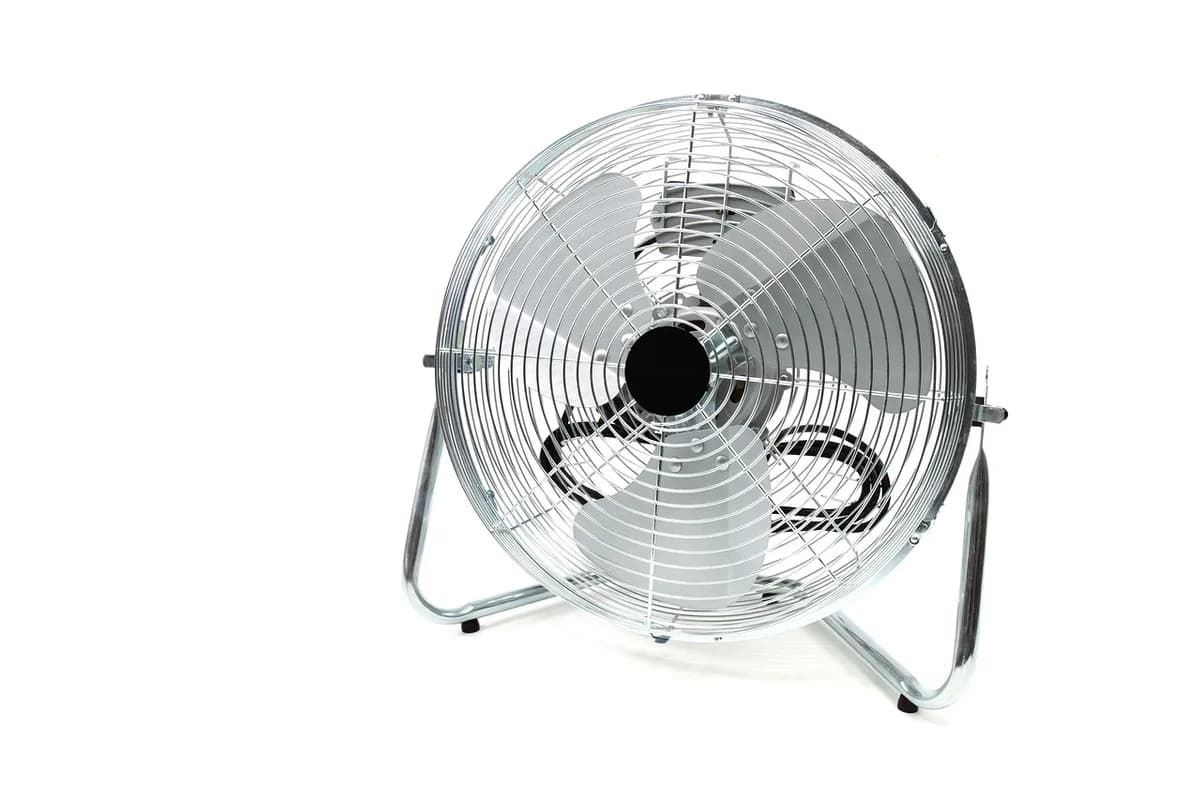
Fan makers say to unplug before cleaning or taking anything apart.
Vacuum or brush the loose dust off before you wipe with a damp cloth.
Never immerse the fan or let water drip into the motor housing.
Skip solvents, gasoline and paint thinner. Mild dish soap is enough.
Keep your chores in Evernote. Let the Assistant read the manual and set a repeating task.
Pull the plug from the outlet by the plug, not the cord. For a ceiling fan, switch it off and wait until the blades stop.
With the grille still on, remove loose dust using a vacuum brush, a flexible duster, a pipe cleaner or compressed air between the bars.
On fans with a removable grille, the manual shows how: on some Vornado models you remove a screw and turn the grille counterclockwise to lift it off. If the manual does not show it, clean it in place.
Wash a removable plastic grille with mild dish soap and let it dry. Vornado says not to put it in the dishwasher, where heat can warp the plastic. Wipe the blade with a damp cloth.
Wipe the outside with a soft, damp cloth only. Never spray liquid on the fan or let water drip into the motor.
Reattach the blade and grille only when they are completely dry, following the manual so the blade sits all the way on the shaft. Then plug the fan back in.
Grille not designed to come off? Clean it in place with a vacuum and a damp cloth.
From Hunter and Vornado care guides. Your manual has the steps for your model.
| Fan | Dust | Deeper clean | Watch out |
|---|---|---|---|
| Floor or desk fan | Vacuum or brush through the grille | Remove the grille if designed to, wash in soapy water | No dishwasher, no water in the motor |
| Ceiling fan | Slide a pillowcase over each blade and pull it back | Slightly damp microfiber cloth with mild cleaner | Light pressure: blades can bend or unbalance |
| Tower fan | Vacuum the vents or use compressed air | Wipe the outside with a damp cloth | Never spray liquid into the vents |
Sources: Hunter Fan, standing fan manual and "How to Clean and Maintain Your Ceiling Fan"; Vornado, FIT use and care guide.
One card per chore. Copy it, or save it to your Evernote account and keep it next to the manual.
Chore: Clean the fan
How often: [monthly while you use it]
Takes: [minutes]
You need: [supplies]
Steps:
1. [first step]
2. [next step]
Model number: [from the label on the appliance]
Last done: [date] · Next due: [date]
4.4
2,100+ reviews on G2

4.4
8,200+ reviews on Capterra

4.4
73,000+ reviews on App Store

248M
Registered users

Unplug it and run a vacuum brush, a pipe cleaner or compressed air between the grille bars, as Hunter suggests. Then wipe the outside with a soft, damp cloth.
Only parts made to come off, such as some grilles and blades, and only with mild dish soap. Never immerse the fan itself or let water reach the motor.
Vornado says no: the heat can distort the plastic. Wash it by hand with a mild dish soap.
Hunter suggests sliding an old pillowcase over each blade and gently pulling it back, so the dust falls inside. Shake the pillowcase out outdoors before washing it.
Hunter warns against gasoline, paint thinner and other chemicals, and Vornado against solvents. A damp cloth and mild soap are enough.
Clean it first, then leave it assembled and covered to keep the dust off, in a cool, dry place, as Hunter's manual suggests.
Keep one note per chore in a Home notebook, and let tasks bring each chore back when it is due.
Attach the manual's PDF to the chore note and ask the AI Assistant how to clean the fan. It reads the PDF and adds the steps to the note as a checklist.
Ask the AI Assistant for a task that repeats every month from June to September. It comes with a reminder on the day it is due.
Open the Tasks view to see what is due in the next 7 days and later. Assign a task to anyone you share the note with.
Keep the steps with the manual, let each chore repeat on its own, and see everything that is due in one list.
Start for free