
4.4
2,100+ reviews on G2

Creating a website means deciding what the site is for, registering a domain name, choosing a way to build and host it, and publishing a few clear pages that help visitors do one thing. Four decisions come first:
One main thing a visitor should do.
Registered through a registrar, renewed on time.
A website builder, a CMS or your own code.
The few pages you need, and what each says.
Plan your site in Evernote. The AI Assistant maps your pages, reads your clips and drafts the copy.
Write one sentence: who visits, and what you want them to do (book a class, buy, contact you, read). Every page should help with that.
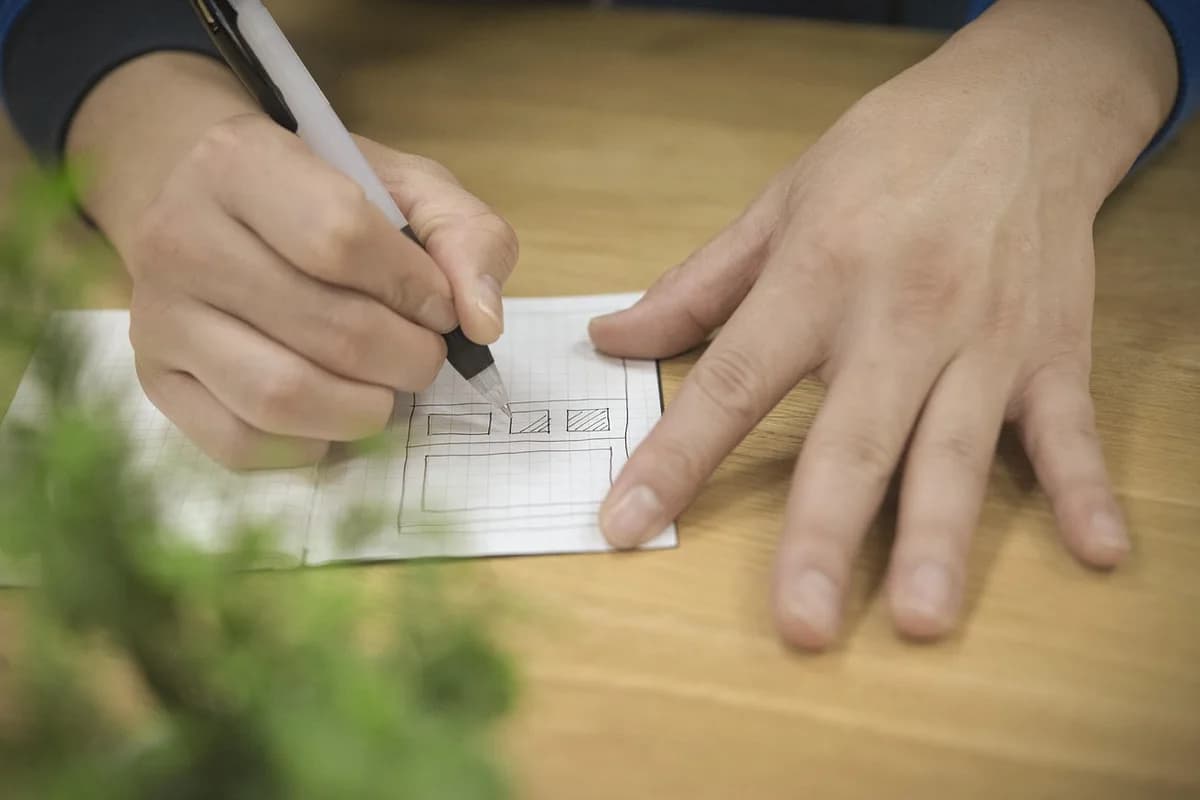
For example, a studio site can start with four to six pages: Home, the main offer, About, Contact, and perhaps a shop or blog. Sketch how they link before you build anything.
Domains are registered through registrars. ICANN says a name is yours for the period you registered, typically 1 to 10 years, and you have to renew it with your registrar before it expires to keep it.
A website builder hosts the site for you and works without code. A content management system (CMS) gives more control, with hosting you choose. Coding it yourself gives the most control and takes the most time.
Google's SEO Starter Guide says to write content your readers will find helpful and reliable. Write each page's text, then fit it into the design, not the other way around.
Google says a good title is unique to the page, clear and concise, and accurately describes the contents of the page. Give each page a short description and a URL with readable words, such as /classes.
The W3C's Easy Checks cover a page title, alt text on images, headings, text contrast of at least 4.5:1 for normal-size text, keyboard access and form labels.
Open every page on a phone and a computer, test each form and link, then publish. Update prices, hours and dates whenever they change, and renew the domain before it expires.
| Page | What it must do | URL |
|---|---|---|
| 1Goal | ||
| Whole site | Get beginners near Portland to book a weekend wheel class | clayhourstudio.com |
| 2Pages | ||
| Home | Say what the studio is and link to Classes | / |
| 5Classes | Times, price, what is included, a Book button | /classes |
| Shop | Sell finished pieces | /shop |
| About | Who teaches, and the studio's story | /about |
| Contact | Address, hours, email and a map | /contact |
| 6Before launch | ||
| Each page | Unique title and description, readable URL | |
An example. The studio and its domain are fictional.
All three can make a good site. The difference is how much you control and how much you maintain.
| Way | Good for | You handle | Watch for |
|---|---|---|---|
| Website builder | A first site, fast, without code | Content and design choices; hosting is included | Moving to another platform later can be hard |
| Content management system (CMS) | Blogs and growing sites | Hosting, updates and plugins | Updates and backups are your job |
| Code it yourself | Full control, custom features | Everything: code, hosting, security | The most time to build and maintain |
Copy it, or save it to your Evernote account and fill in one line per page before you build.
Site goal: [who visits] should [do one thing]
Domain: [name] · registrar: [company] · renews: [date]
Built with: [website builder, CMS or code]
Page: Home · must: [what it does] · URL: /
Page: [name] · must: [what it does] · URL: /[short-words]
Before launch: [titles and descriptions] · [alt text] · [contrast] · [test on a phone]
4.4
2,100+ reviews on G2

4.4
8,200+ reviews on Capterra

4.4
73,000+ reviews on App Store

248M
Registered users

Decide what it is for and who it is for, list the pages you need, register a domain, then pick a website builder or CMS and write the content for each page.
No. Website builders let you build and publish without code. Coding gives you more control, but it is not required for a small site.
ICANN says a name is yours for the period you registered, typically 1 to 10 years. To keep it, renew it with your registrar before it expires, and keep your contact details current so you get renewal reminders.
As many as your visitors need. For example, a small studio can start with Home, Classes, About and Contact, plus a shop or blog if it has one.
Google's SEO Starter Guide says to make content that is helpful and reliable, and to give each page a title that is unique, clear and concise. It also recommends words in the URL that are useful to users.
Start with the W3C's Easy Checks: a page title, alt text for images, headings, text contrast of at least 4.5:1 for normal-size text, keyboard access and form labels.
For example, a small studio site with four pages can be built in a weekend once the text and photos are ready.
Plan the site in one notebook: the page list, the sites you like and the copy for each page.
List your pages in a note and ask the AI Assistant to turn the list into a sitemap. It adds a Mermaid flowchart to the note, and you can edit the text in the block.
Clip pages you like with the Evernote Web Clipper, then ask the Assistant what the studio sites put on their Classes page. It answers from your clips and names the notes it used.
Ask the Assistant to write the Classes page from your class details. It drafts a heading, three lines and a button label in the page note, and you accept or reject each edit.
Keep the page list, the sites you like and every draft in one notebook, and let the AI Assistant map the pages and write the first version.
Start for free