
4.4
2,100+ reviews on G2

To find your phone model for a warranty claim, open Settings: on an iPhone, go to General, then About; on an Android phone, tap About phone. The model name and model number are listed there, with the serial number and IMEI that a warranty claim may ask for. Four places to look:
iPhone: General, then About. Android: About phone.
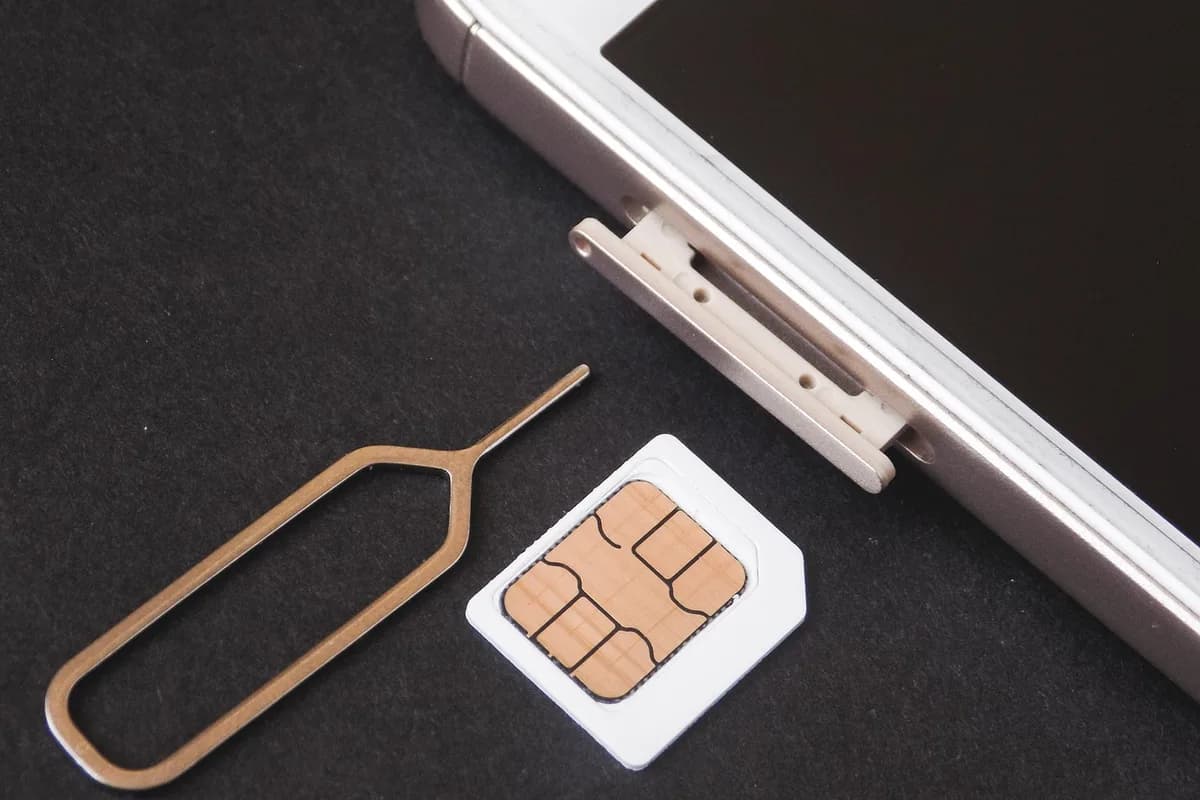
The SIM tray, the charging port or the back.
The original box may list the model, serial number and IMEI.
Your bill of sale or carrier contract can list them too.
Keep your receipts in Evernote. Scan or forward each one, then let the AI Assistant total them by category.
Open Settings, tap General, then About. You see the Model Name and, to the right of Model Number, a part number. Tap the part number to see the model number, which starts with "A".
Open Settings and tap About phone. The model number, serial number and IMEI are listed there. Some carriers also show the IMEI and serial number when you dial *#06#.
Open Settings, tap About phone, then scroll to "Model" and "IMEI". You can also see them in Google Find My Device by tapping your phone, then the information icon.
On an iPhone 8 or later with a SIM tray, the model number is printed inside the SIM slot. On iPhones without a tray, look inside the charging port. On an iPhone 7 or earlier, it is on the back.
The original box may list the model, the serial number and the IMEI. So can your sales receipt, your contract, or your account on your carrier’s website.
Write down the model, the serial number and the IMEI, and keep them with the proof of purchase. A warranty claim or a repair shop asks for both.
| Phone | Where to tap | What you see |
|---|---|---|
| 1iPhone | Settings, General, About | Model Name, Model Number, serial, IMEI |
| 2Samsung Galaxy | Settings, About phone | Model number, serial number, IMEI |
| 3Google Pixel | Settings, About phone | Model, IMEI |
| 5Any phone | The box or the sales receipt | Model, serial number, IMEI |
Paths from Apple, Samsung and Google support pages. Menus can differ by carrier and software version.
A warranty claim often asks for more than one. Each is listed in the same Settings screen.
| Number | What it identifies | Where it is used |
|---|---|---|
| Model name | The product, like "iPhone 18 Pro". | Buying a case, checking which features you have. |
| Model number | The exact version, which can differ by country (on iPhone it starts with "A"). | Repairs, parts and accessories. |
| Serial number | Your one phone, different on every device. | Warranty and support claims. |
| IMEI | Your phone on mobile networks. Dual SIM phones have two. | Carriers, eSIM setup, reporting a lost or stolen phone. |
4.4
2,100+ reviews on G2

4.4
8,200+ reviews on Capterra

4.4
73,000+ reviews on App Store

248M
Registered users

Open Settings. On an iPhone, tap General, then About, and look at Model Name. On an Android phone, tap About phone and look for Model or Model number.
In Settings, General, About, tap the part number next to Model Number. It changes to the model number, which starts with "A". It is also printed in the SIM slot on an iPhone 8 or later with a SIM tray.
In Settings, under About (iPhone) or About phone (Android). On many phones you can also dial *#06#. It is printed on the box too.
The model number identifies the kind of phone. The serial number identifies your own phone, and no two phones share one.
The model, the serial number or IMEI, and proof of purchase, such as your receipt. Keep them together so you can find them when the phone needs a repair.
Yes. Check the box, your receipt or contract, or your carrier account online. On some phones the model is also printed on the back or in the SIM slot.
Keep a photo of the phone box, the sales receipt and the model, serial number and IMEI in one Evernote note, so a warranty claim takes one search.
Photograph the sales receipt and the label on the box, and add both photos to one note in an Expenses notebook.
Type the model, serial number and IMEI under the photos, or ask the Assistant to make a table of them. You can read the table without opening Settings on the phone.
Ask the Assistant "What is the serial number of my phone?" It answers from your note and links to the receipt and box photos.
Capture receipts as they arrive, get totals by category in one request, and find any receipt when someone asks about it.
Start for free