
4.4
2,100+ reviews on G2

To make a wedding seating chart, start with the final guest count and the room layout, then seat guests in groups that will enjoy the table. Put the couple and the wedding party first, then fill the room table by table.
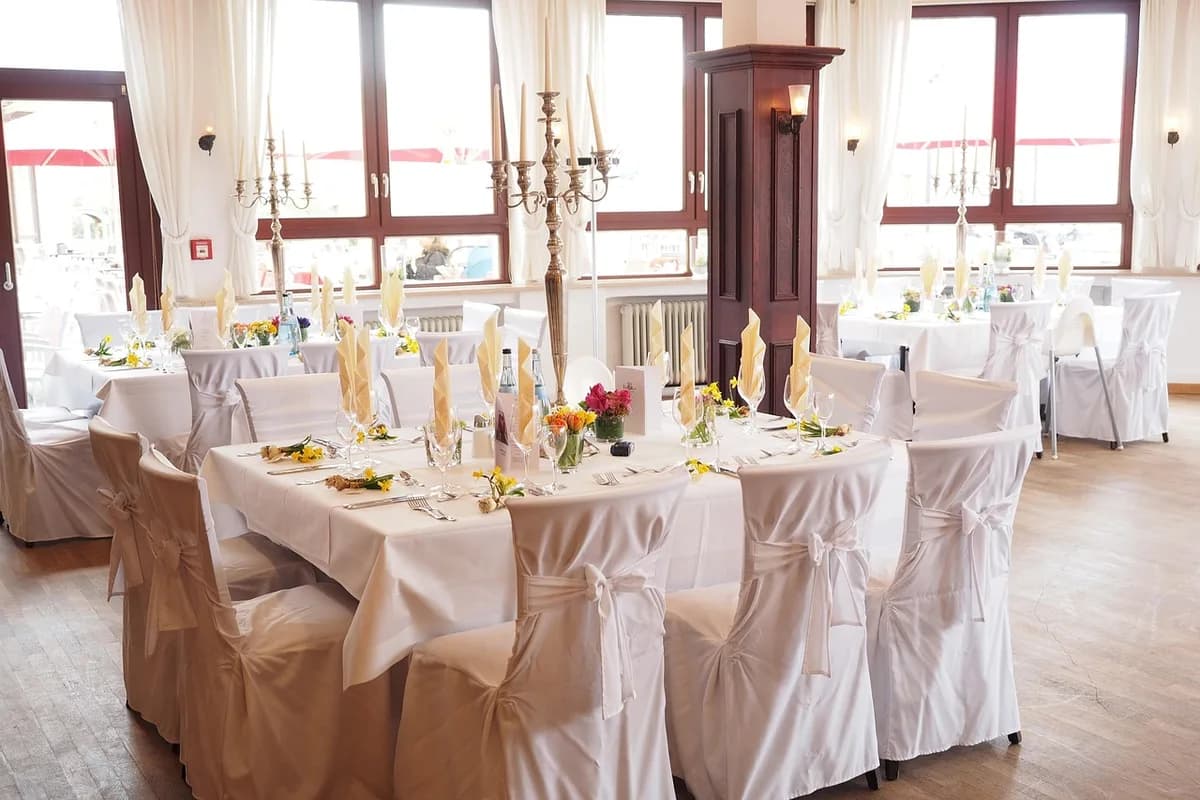
Wait for the RSVP deadline, then use the confirmed number.
Ask the venue for the table shapes, sizes and the floor plan.
Start with the wedding party and immediate family, then add friends.
Leave space for servers, the dance floor and the exits.
Keep the plan in Evernote. Share the checklist, ask your guest list, and find any term in a contract.
Use the confirmed RSVPs, not the invitation list. Add the vendors who eat with the guests, such as the photographer and the band.
Ask the venue for the table shapes, the number per table and the floor plan. Mark the dance floor, the bar and the exits.
Place the couple and the wedding party at the front tables. Put immediate family nearby, then the friends who traveled.
Seat guests who know each other together. Mix groups only when you know they will enjoy the table.
Walk the room on the plan. Leave space for servers, the dance floor and the exits, then share the final chart with the venue.
| Table | Guests | Notes |
|---|---|---|
| 1 | Couple, honor attendant, best man, parents | Front center |
| 2 | Immediate family | Front left |
| 3 | Immediate family | Front right |
| 4 | College friends | Near the dance floor |
| 5 | Work friends | Center |
| 6 | Neighbors | Center |
| 7 | Cousins | Back left |
| 8 | Family friends | Back right |
| 9 | Plus-ones | Near the bar |
| 10 | Wedding party friends | Near the dance floor |
| 11 | Vendors | Back corner |
Keep the vendor table out of the guest photos and near the exit.
Ask the venue for the table sizes before you start.
| Group | Where to seat them |
|---|---|
| Couple | Front center, with a view of the room |
| Wedding party | Front tables, near the couple |
| Immediate family | Front left and right |
| Older guests | Away from the speakers and the dance floor |
| Friends | Together in groups, near the dance floor |
| Plus-ones | With their partner, not alone |
| Vendors | Back corner, near the exit |
Source: The Knot wedding planning guidance and venue layout questions (theknot.com/content/wedding-venue-site-tour-questions-to-ask).
4.4
2,100+ reviews on G2

4.4
8,200+ reviews on Capterra

4.4
73,000+ reviews on App Store

248M
Registered users

Start with the final count and the room plan, seat the wedding party and family first, then fill tables in groups and check the aisles.
After the RSVP deadline, when the count is final.
It depends on the table size. Ask the venue for the number per table and the floor plan.
Yes. Seat them at different tables and away from each other, and tell the planner or venue.
Sit at the front center with a view of the room, or with the wedding party if you prefer.
At a back table near the exit, out of the guest photos. Confirm the meal with each vendor.
For a seated dinner, yes. For a cocktail reception, assigned tables are optional.
Add the guest to a table with space, or ask the venue for an extra seat. Do not move the whole plan.
Keep the guest list, the table plan and the venue layout in a shared Wedding notebook.
Put each table and its guests in a shared note. Ask the AI Assistant to turn the open seats into tasks.
Keep the guest list and meal choices in a table. Ask the Assistant who has not replied and how many seats are left.
Attach the venue contract to its note. Ask "How many tables are included?" and the Assistant answers from the contract.
Share it with your partner, date every task from the wedding day, and find any term in a contract when you need it.
Start for free