
Web Clipper
Salva articoli, pagine web e catture di schermate direttamente su Evernote.

Salva ciò che conta
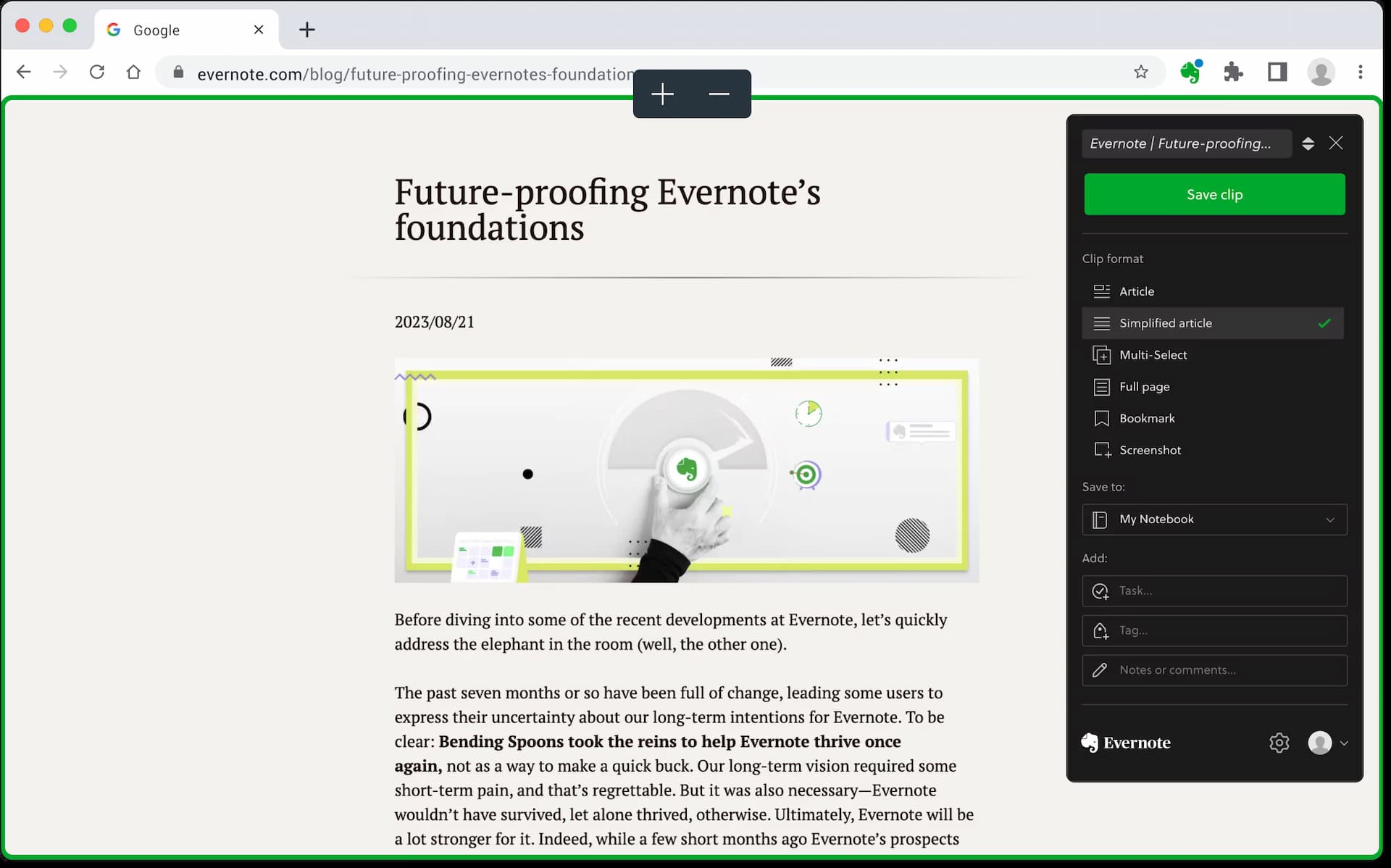
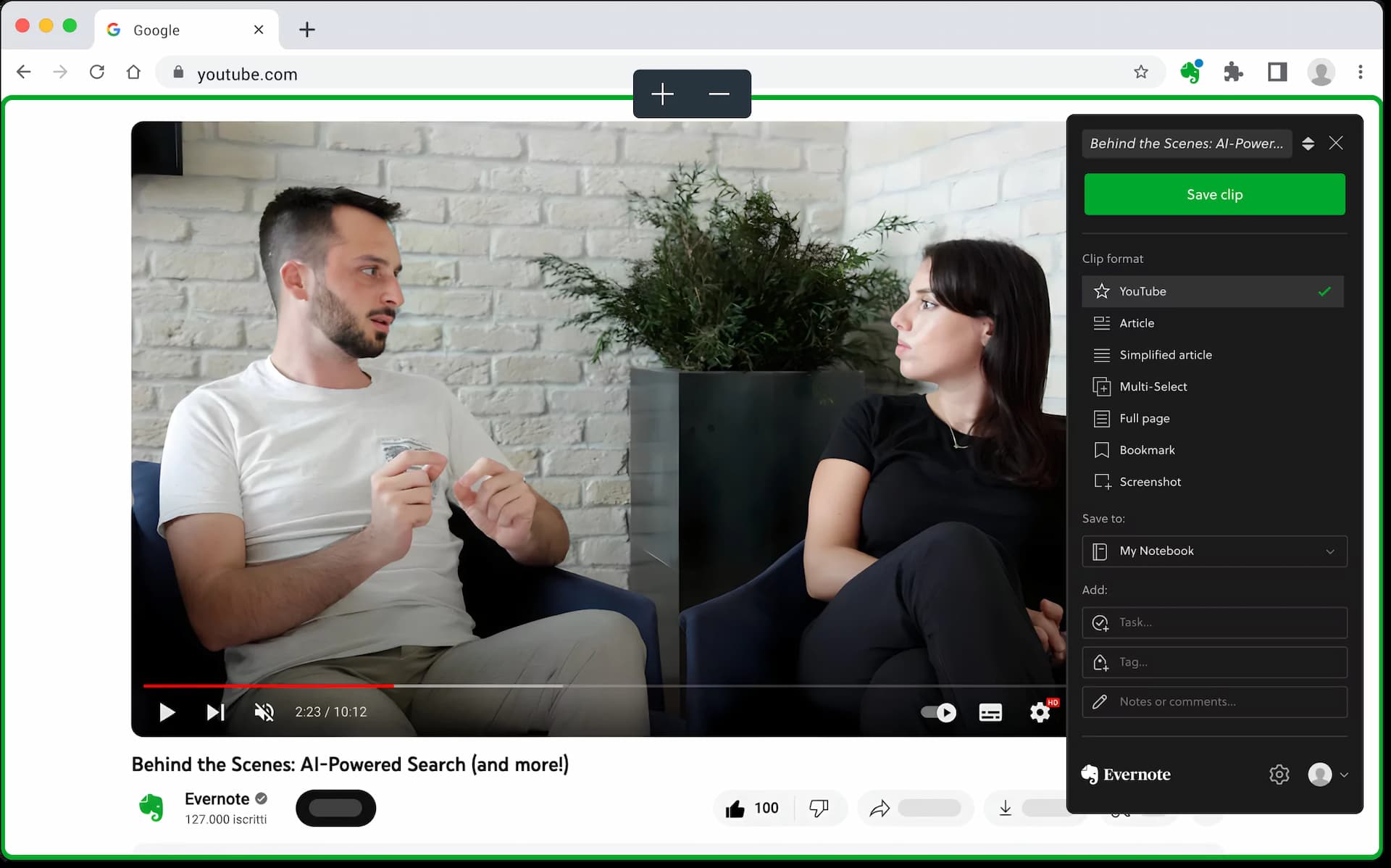
Ritaglia pagine web, articoli o PDF e salvali su Evernote. Cattura intere pagine o solo le parti che desideri, senza annunci fastidiosi e barre laterali.

Personalizza i tuoi screenshot del sito web
Fai uno screenshot di una pagina web, quindi aggiungi evidenziazioni, testo e altre annotazioni. Con Web Clipper, puoi assicurarti che ciò che è importante sia chiaro a colpo d'occhio.
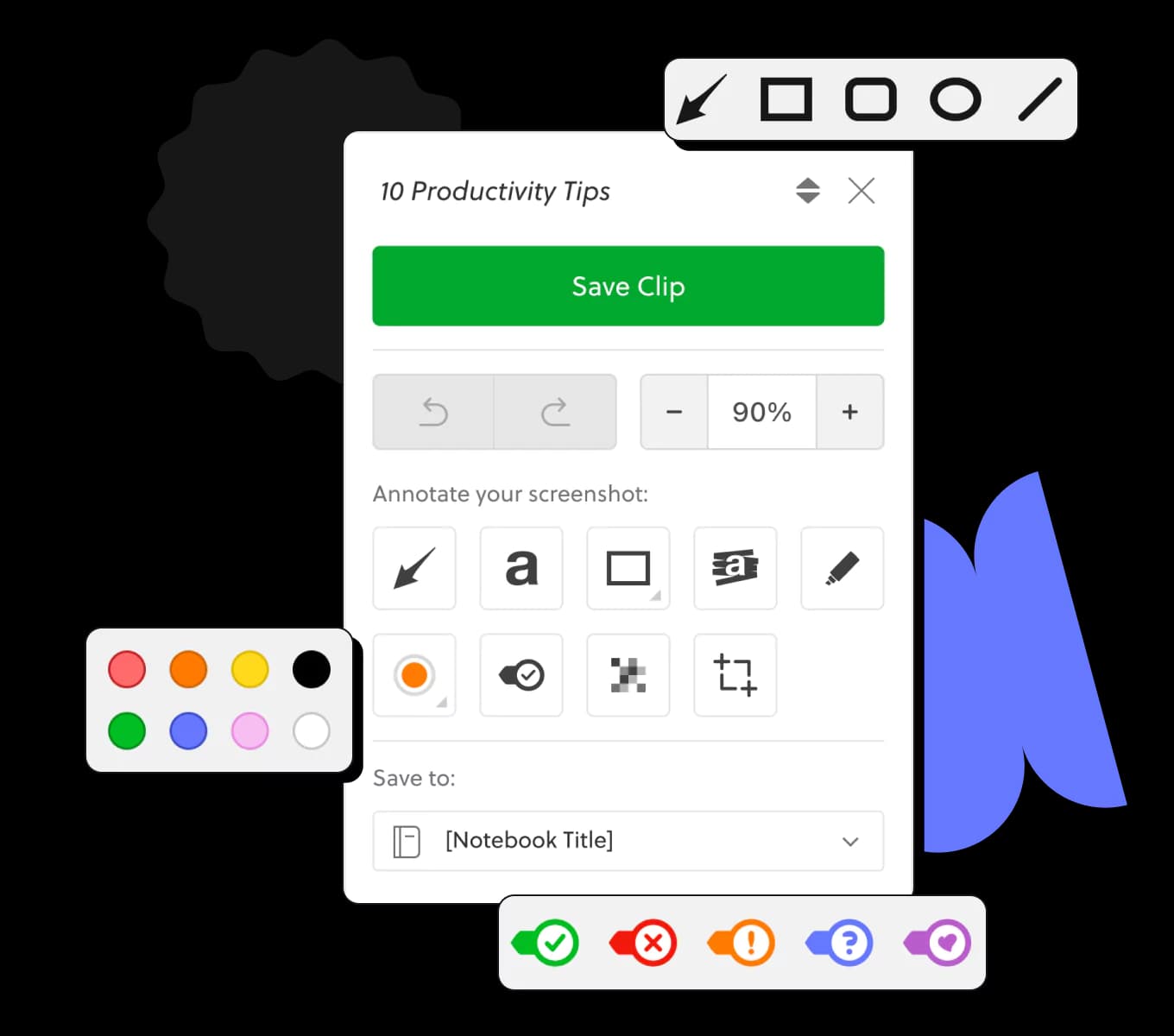
Cattura idee e ispirazione da qualsiasi luogo con facilità
Tieni il contenuto organizzato
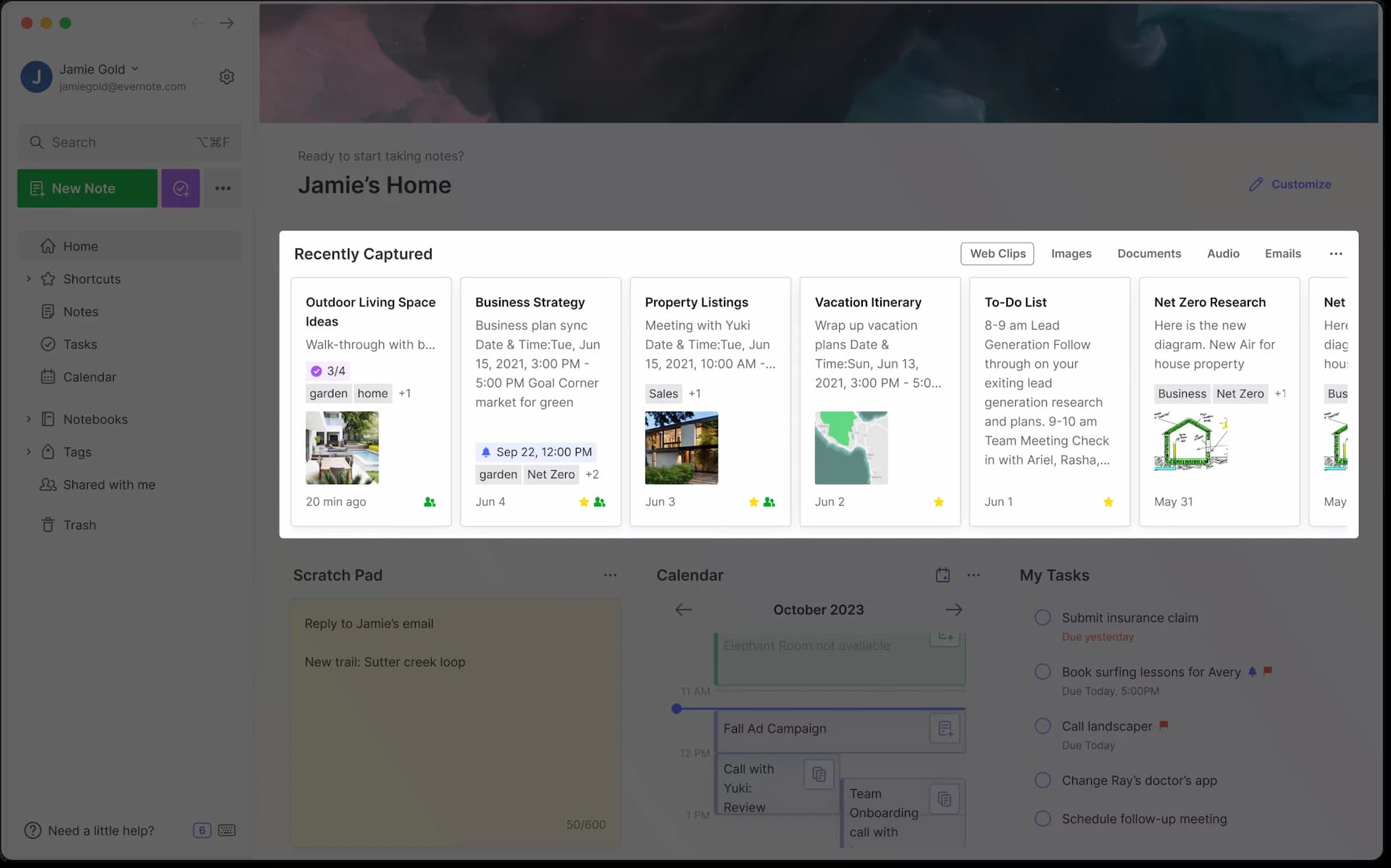
Tagga ciò che salvi in modo che la tua ricerca, foto, idee e altro siano facili da trovare utilizzando parole chiave. Puoi anche aggiungere titoli e salvare il contenuto nel taccuino che ha senso.
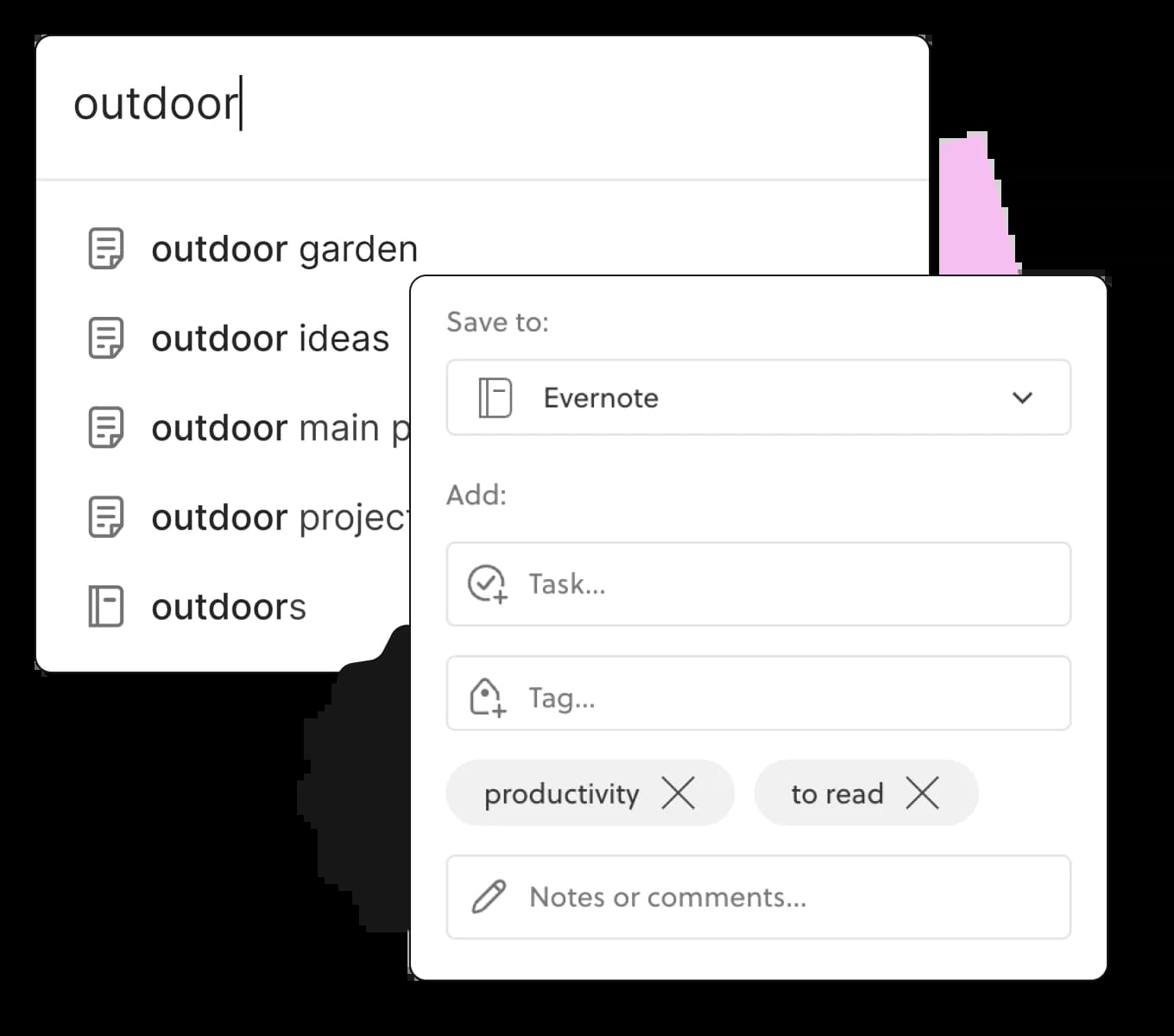
Vai oltre i segnalibri
Salva URL di pagine web, immagini e descrizioni nel tuo taccuino Evernote rilevante e tieni tutto il tuo contenuto correlato in un posto facile da trovare.
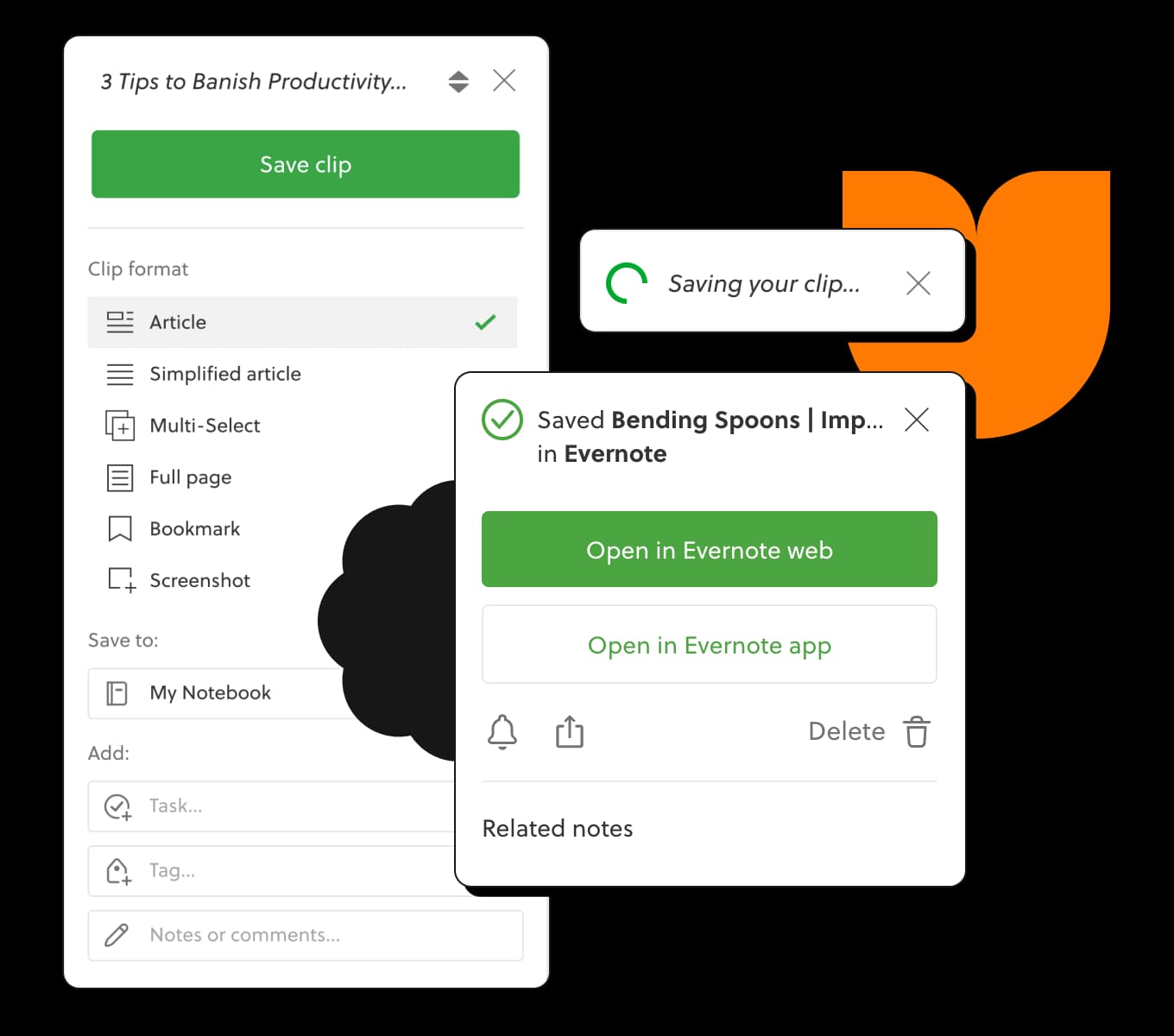
Fai funzionare il web per te
Tieni tutto il contenuto di cui hai bisogno in un unico posto con Web Clipper. Salva qualsiasi pagina web, contrassegnala per evidenziare ciò che conta e organizza vicino alle tue note correlate.
Domina il web
Porta il meglio del web nelle tue note. Web Clipper si integra completamente con il tuo account Evernote ed è compatibile con tutti i principali browser.
Curare il tuo contenuto
Ritaglia qualsiasi cosa facilmente
Trovalo subito
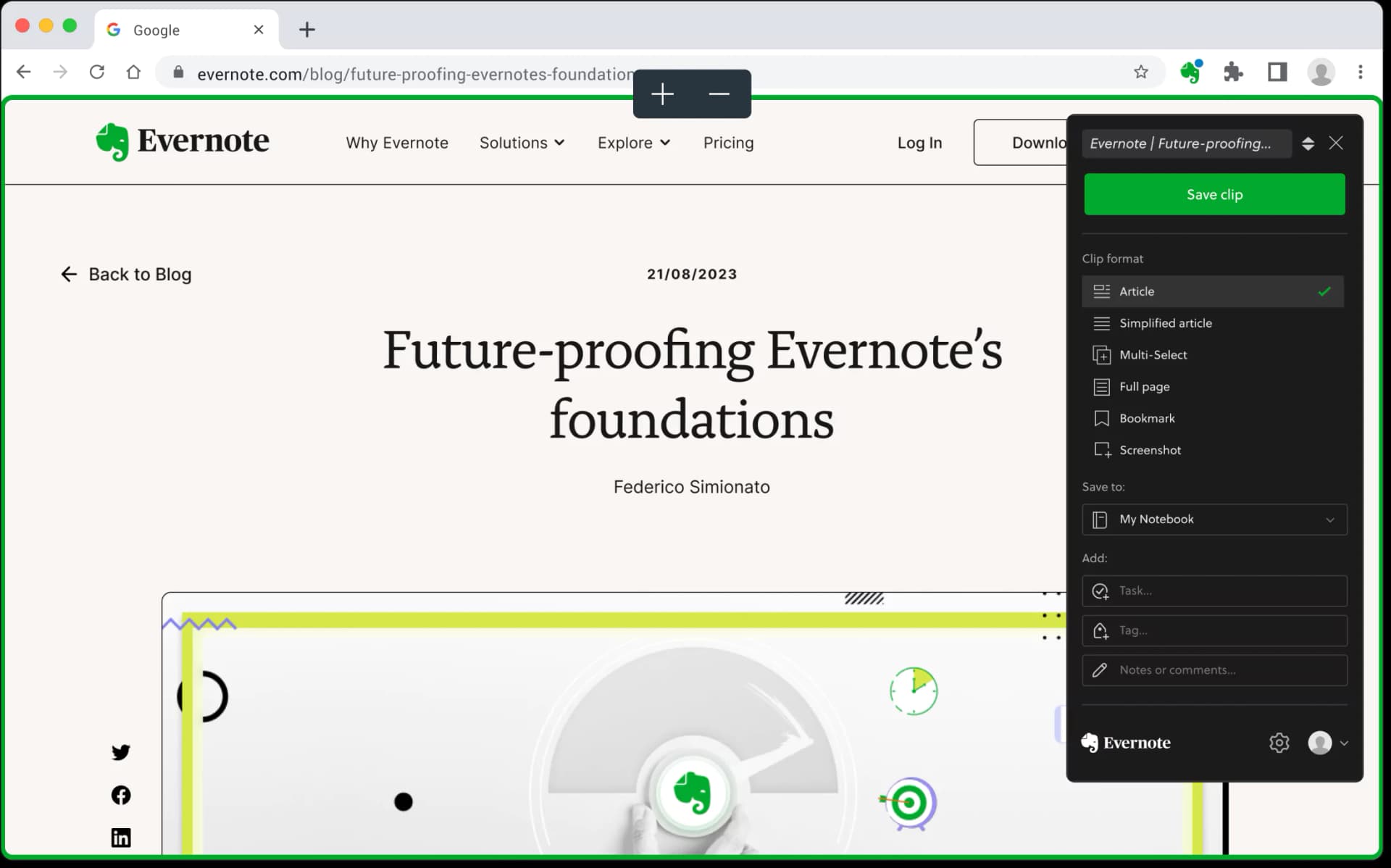


Una cosa che amo di Evernote è il ricco ecosistema. Posso prendere appunti, ritagliare un articolo da leggere più tardi, scrivere con la mia grafia e annotare una foto senza dover uscire da Evernote.
Kyle DeMilo - Esperto Certificato Evernote
Domina il tuo lavoro, organizza la tua vita
Ricorda tutto e affronta qualsiasi progetto con i tuoi appunti, compiti e programma tutto in un unico posto.