
4.4
2,100+ reviews on G2

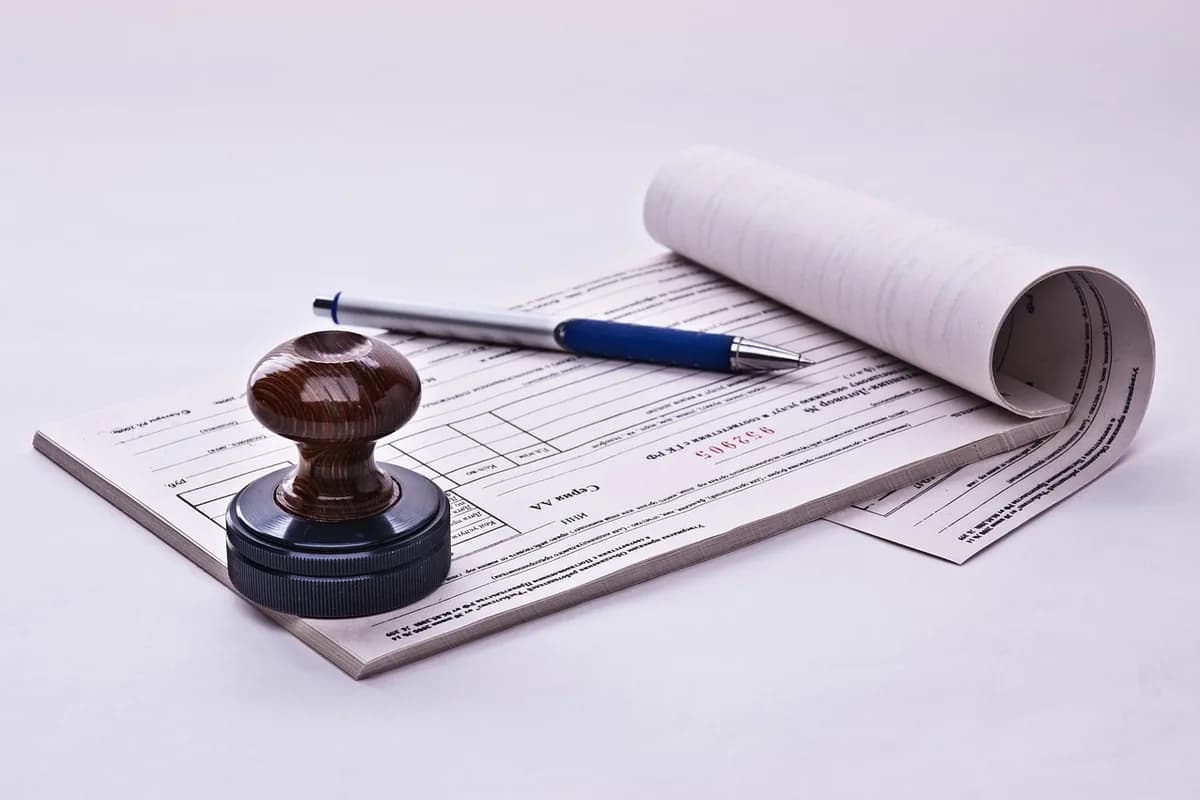
A deposit slip, also called a deposit ticket, is the paper form you hand a bank teller with cash or checks to put into your account. You write the date, your account details, each amount and the total. Four parts matter most:
Your name as it is on the account, and your account number.
All the bills and coins you deposit, added up on one line.
One line per check, with its check number and its amount.
The subtotal, minus any cash you want back, is what goes in the account.
Keep your receipts in Evernote. Scan or forward each one, then let the AI Assistant total them by category.
Write today’s date in the date field.
Write your first and last name exactly as they appear on your checking or savings account.
If the slip came with your checks, your account number is already printed on it. If you took a blank slip at the branch, write your account number, and the routing number if the slip asks for it. Tick checking, savings or business if there is a choice.
Count the bills and coins you are depositing and write the total next to "Cash". Leave it blank if you have no cash.
Write each check on its own line under "Checks", with the check number and the amount. If there are more checks than lines, list them on the back and carry the total to the front. Endorse each check on the back before you hand it over.
Add the cash and every check together and write it next to "Subtotal".
If you want some cash back, write that amount next to "Less cash received". Subtract it from the subtotal and write the result next to "Net deposit". With no cash back, the net deposit equals the subtotal.
Sign the signature line if the slip asks for it. Give the slip, the cash and the checks to the teller, and keep the receipt.
Deposit ticket
Sample Community Bank
000000000 · 0001234567
Sample slip. $200.00 + $450.00 + $125.75 = $775.75, minus $50.00 cash back = $725.75.
Keep one line per deposit, with the slip receipt in the same note. Copy it, or save it to your Evernote account.
Date: [date] · Account: [checking or savings, last 4 digits]
Cash: [$ amount]
Check [number] from [who paid you]: [$ amount]
Subtotal: [$ amount] · Cash back: [$ amount]
Net deposit: [$ amount] · Receipt: [attached photo]
4.4
2,100+ reviews on G2

4.4
8,200+ reviews on Capterra

4.4
73,000+ reviews on App Store

248M
Registered users

A short paper form, also called a deposit ticket, that you give the bank with cash or checks you are putting into your account. It lists your name, account number, the date, each amount and the total.
A pad of slips may come with the checks you order, with your account number already printed. If you do not have one, ask the teller for a blank slip.
No. In a bank app you enter the amount and take photos of the front and back of the endorsed check instead. Slips are for deposits at a branch.
The date, your name and account number, the cash total next to "Cash", and the same amount as the subtotal and net deposit. Leave the check lines blank.
Only if it asks for a signature.
List the extra checks on the back of the slip, add them up, and write that total on the front where the slip says so.
Yes. The teller’s receipt, or your copy of the slip, is your proof that the bank received the money. Keep it until the deposit shows on your statement.
Scan the deposit slip and the teller receipt into Evernote, and keep one note per deposit, so you can match every deposit to your bank statement.
Scan the filled-in deposit slip and the teller receipt with Scan in the Create menu, or save a photo of both in one note.
Add the date, the cash, each check and the net deposit to a deposit log in the same note, so the amounts match the slip.
Ask the Assistant "How much did I deposit on November 6?" It answers from your deposit notes and links to the slip and receipt.
Capture receipts as they arrive, get totals by category in one request, and find any receipt when someone asks about it.
Start for free