
4.4
2,100+ reviews on G2

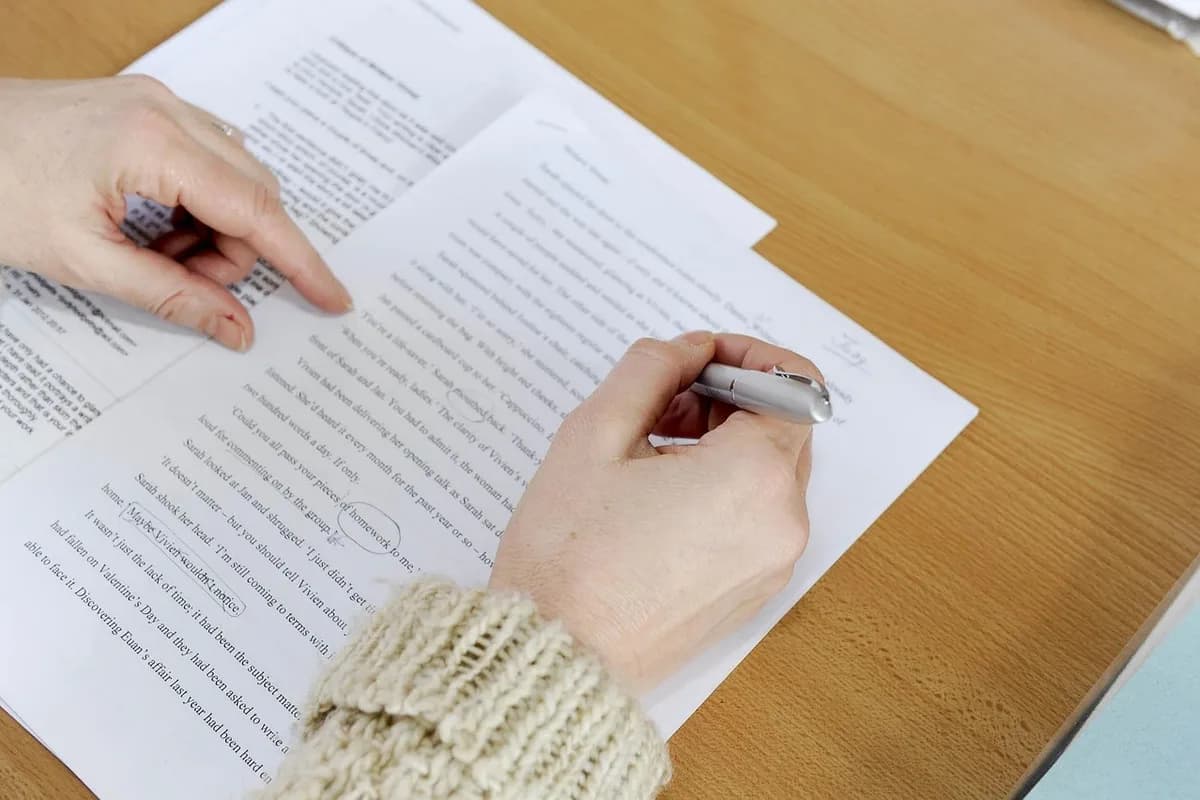
A journal is peer reviewed if its editor sends submitted articles to other experts in the field, who judge the research before it is accepted. You can confirm it in four places:
Look under author instructions or About.
Peer-reviewed journals are marked "refereed".
Look for a peer-reviewed tag or filter.
Editorials and book reviews are not reviewed.
Write your paper in Evernote. The AI Assistant builds your table, finds the exact line and plans the work.
Search for the journal title, not the article. Use the publisher's official page.
Look for "Information for authors", "Submit an article" or "About this journal". These pages describe the review process.
Many libraries subscribe. Search the journal title: a refereed icon and a "Refereed: Yes" field mean it is peer reviewed.
Databases such as Academic Search Complete tag peer-reviewed publications, and most let you filter search results to peer-reviewed only.
In a peer-reviewed journal, editorials, letters and book reviews are not peer reviewed in many cases. Make sure your source is a research or review article.
If you cannot find evidence that a journal is peer reviewed and your assignment requires it, choose a different source.
Use more than one check when a source matters.
| Where | What to look for |
|---|---|
| Journal website | A peer review policy under author instructions or About |
| Ulrichsweb | Refereed icon, and the "Refereed" field set to Yes |
| Library search | A peer-reviewed icon or filter on the result |
| Print issue | Author instructions and review policy inside the covers or near the end |
Oregon State University Libraries, "Scholarly Articles: How can I tell?"; University of Texas at Dallas Libraries, "How to Determine if a Journal Is Peer-Reviewed"; University of Queensland Library, "Check if it's peer-reviewed".
4.4
2,100+ reviews on G2

4.4
8,200+ reviews on Capterra

4.4
73,000+ reviews on App Store

248M
Registered users

The journal's editor sent the article to other researchers in the same field, who evaluated the quality of the research, the data and the conclusions before it was published.
Not exactly. Most scholarly journals are peer reviewed, but not every one is. Check each journal.
Another name for a peer-reviewed journal. Ulrichsweb uses the word "refereed".
Only partly. A research structure with methods and references is a clue, but the journal's own review policy is the reliable check.
No. Editorials, letters, news and book reviews in the same journal are not peer reviewed in many cases.
No. It searches articles, theses, books, abstracts and court opinions from many kinds of sites. Check the journal for each article you plan to cite.
Keep the journal page, the author guidelines and your checklist in one notebook. The AI Assistant helps you confirm the review policy from the sources you saved.
Ask the AI Assistant for a table of the checks and where to look for each. It reads your notes and adds the table to your checklist.
Ask where the journal says its articles are peer reviewed. The Assistant answers with a link to the guidelines, and the matching words are highlighted on the PDF page.
Ask it to add a task for each check, with due dates before your assignment. You get a reminder for each one.
Save your articles and PDFs in one notebook, let the AI Assistant build the table you need, and get a task for each step.
Start for free