
4.4
2,100+ reviews on G2

Learning C++ means learning a compiled language: you write source files, a compiler checks and translates them, and a linker builds the program. Start with a free tutorial and a compiler, and master four basics:
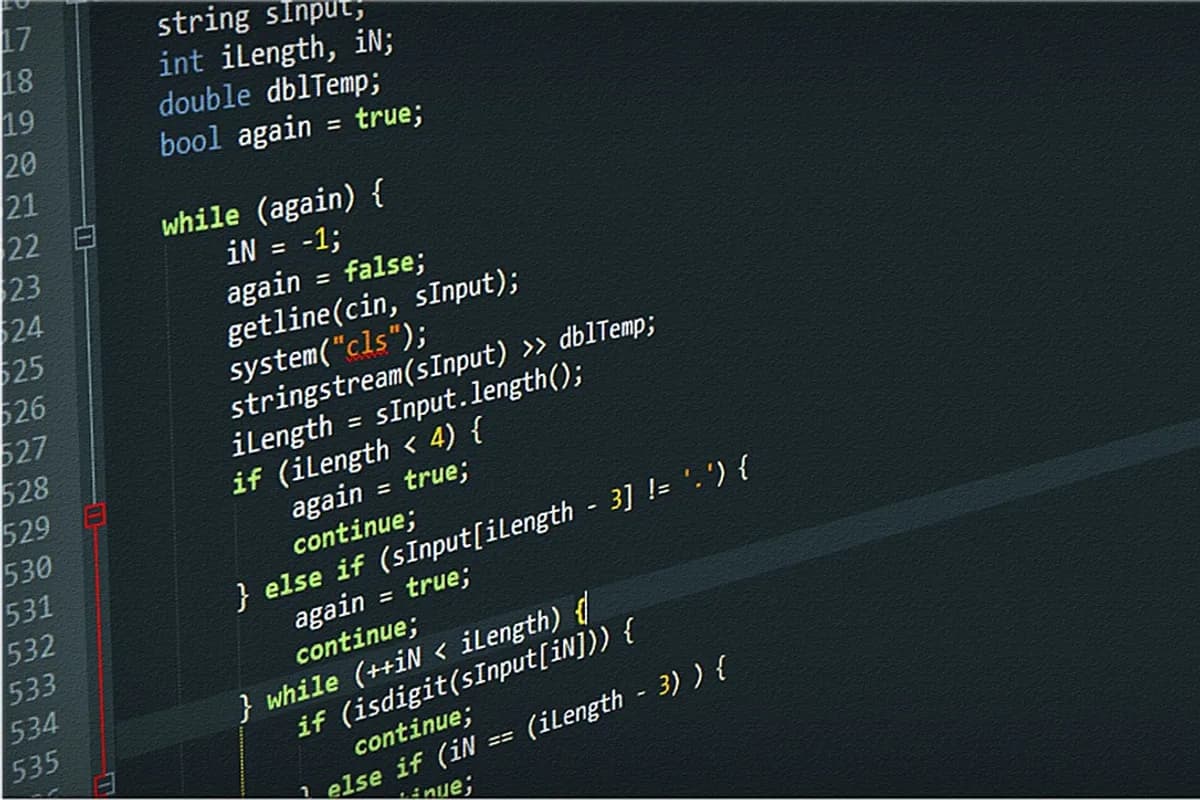
It checks your code and translates it.
Read the line number and the message.
int, double, bool, std::string.
One concept at a time.
Learn in Evernote. Clip the docs, let the AI Assistant fix your code, and search any snippet.
Learn C++ (learncpp.com) is a free, step-by-step tutorial that starts with an introduction to C++ and how programs are built.
The compiler checks that your code follows the rules of C++ and turns each .cpp file into an object file; the linker combines them into a program.
Use a C++ compiler or an IDE that includes one. Compile, run, then change the message.
The compiler gives an error and a line number when code breaks the rules, like a missing semicolon. Fix the first error, then compile again.
Variables and types, input and output, if, loops, functions, then arrays and vectors.
A grade calculator, a number game, a text menu. Add one concept per program.
One entry per session. Copy it, or save it to your Evernote account and keep your snippets in the same note.
Date: [day] · Time spent: [minutes]
Topic: [one concept, like for loops or functions]
Source: [tutorial, chapter or video, with its link]
What I built: [a small program, in one line]
Error I hit: [the last line of the error message]
How I fixed it: [one sentence, plus the corrected snippet]
Next session: [the next concept to learn]
4.4
2,100+ reviews on G2

4.4
8,200+ reviews on Capterra

4.4
73,000+ reviews on App Store

248M
Registered users

Yes. Learn C++ (learncpp.com) is a free tutorial, and C++ compilers are available for many different operating systems.
C++ asks you to compile your code and to declare types. Learn C++ introduces how a program is built early, so you meet those steps one at a time.
A program that checks your C++ code against the rules of the language and translates it into machine instructions, stored in object files.
It combines the object files and libraries into the final program, and makes sure code used across files is connected.
Learn C++ starts with an introduction to C++ and how a program is built, so you can follow it from the beginning.
Games, desktop apps, tools and programs where speed matters. Start with small console programs.
Keep one notebook for C++: the tutorial pages you clip, your practice code, and every compile error you fixed.
Save the loops lesson with the Web Clipper. Keep it in a notebook called Learning C++, with the loop example and the lesson link.
Put Hello, world and its compile error in a note. Ask the AI Assistant why the statement needs a semicolon, and accept the fixed line.
Search for "cout" when you need the output syntax again. Evernote finds it in your learncpp clip and in the practice note, code blocks included.
Clip the docs you learn from, ask the AI Assistant why your code breaks, and find any snippet again by searching for it.
Start for free