
How to use Evernote for work and business
Work produces a steady stream of notes: meeting decisions, project plans, ideas for the next post, notes from the last interview. Evernote keeps them organized and searchable, so you can act on them instead of looking for them.
The guides below cover starting and running a small business, side hustles, blogs and podcasts, project plans, meeting notes, job search and interviews. Each one answers the question directly, with a template or example you can copy.
Each guide then shows the Evernote steps: link meeting notes to calendar events, turn decisions into tasks, and keep a project in its own notebook.
What helps you work in Evernote
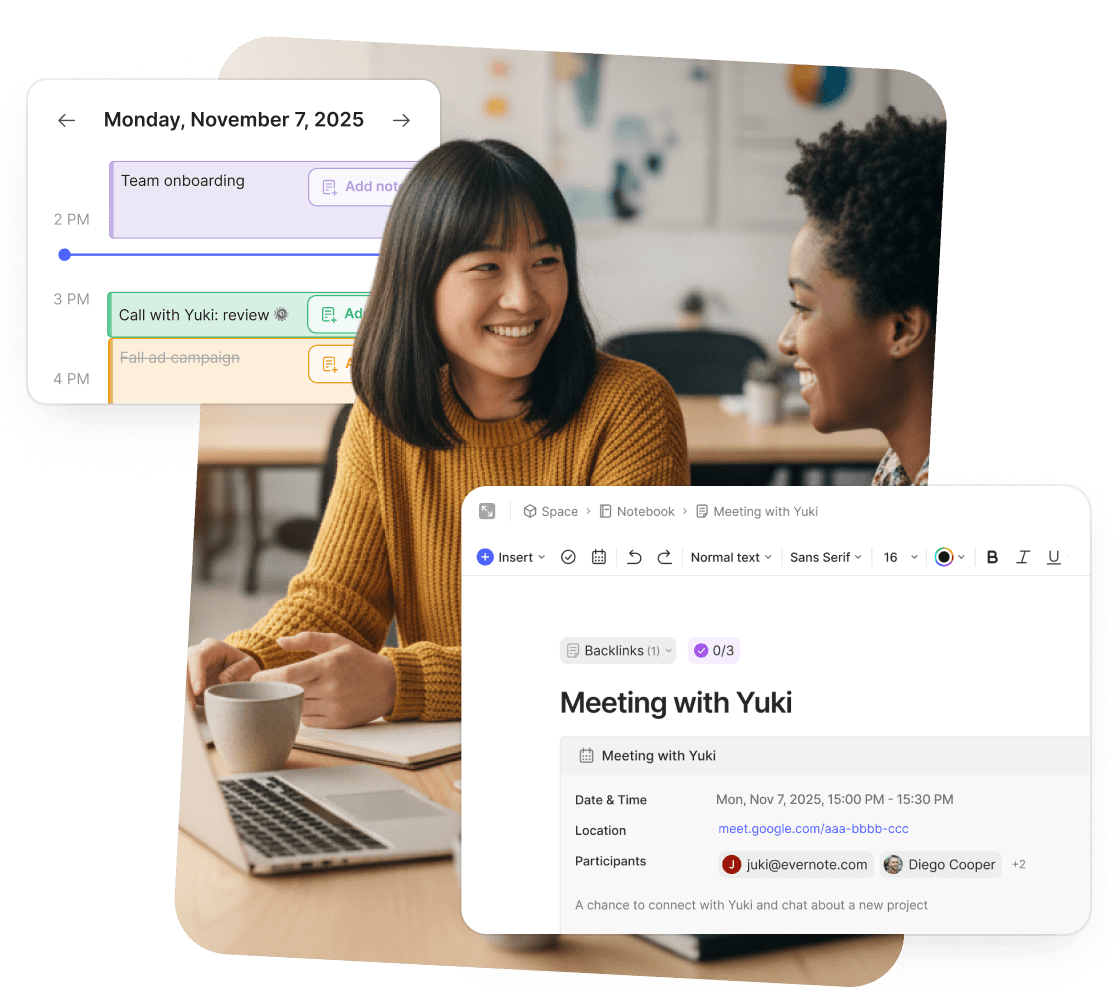
Link meeting notes to your calendar
Connect Google or Outlook and open a note from the meeting itself. Record the meeting and get a transcript with speakers and a summary.
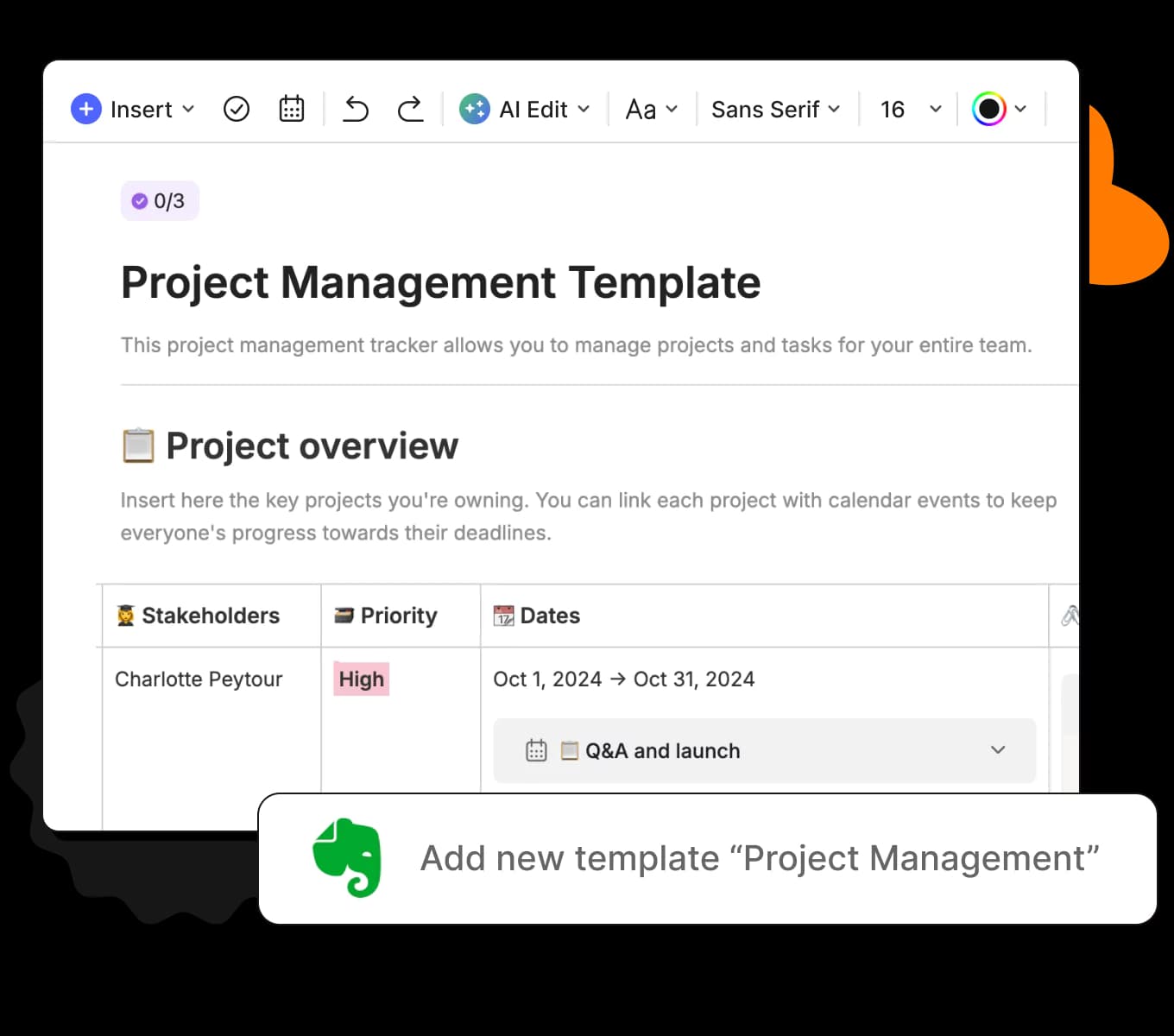
Plan projects in one place
Keep a project in its own notebook, with a plan, tasks with owners and due dates, and the files that go with it.
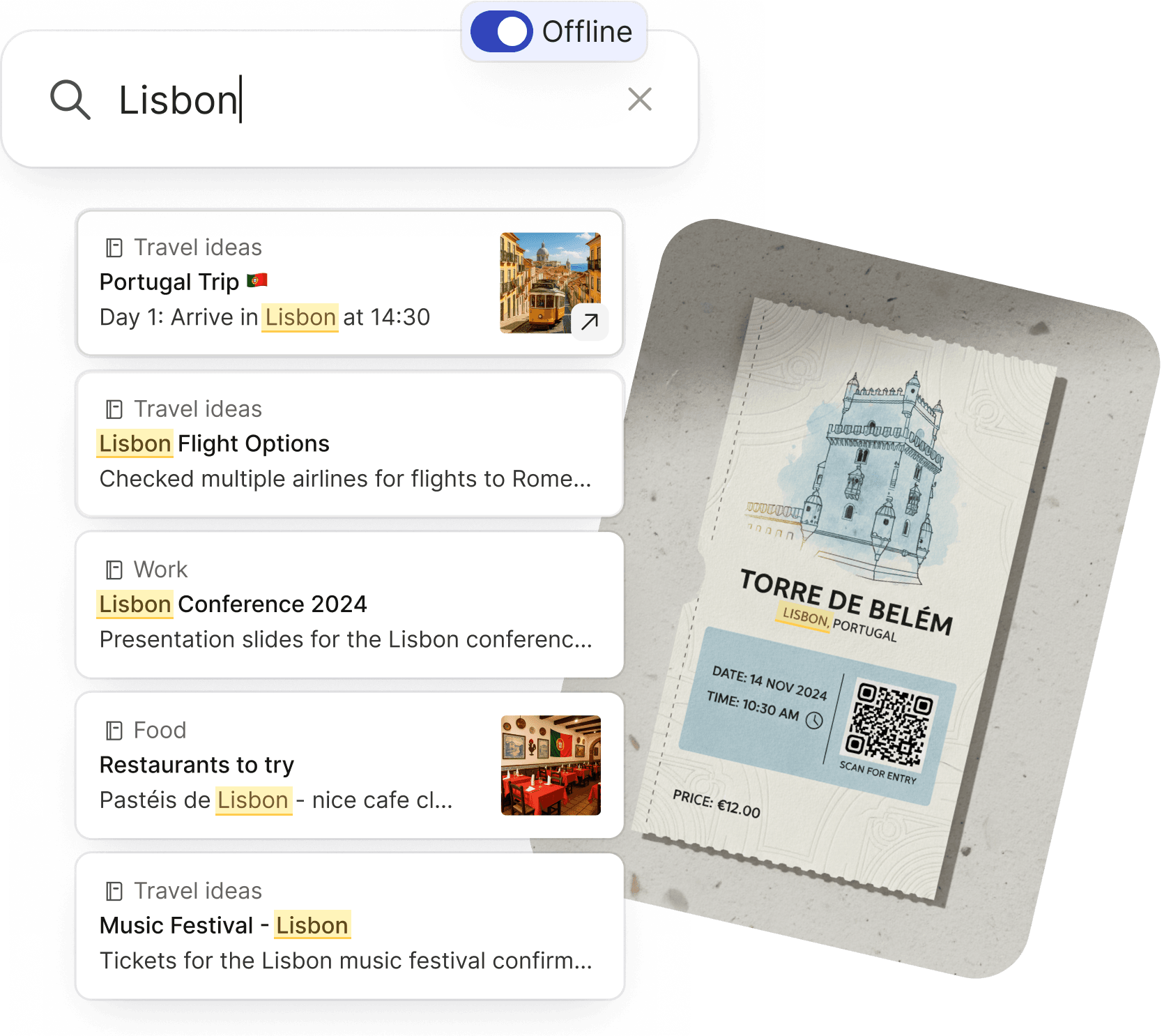
Find any decision again
Search across notes, PDFs and scanned documents. Or ask the AI Assistant a question, such as "what did we decide about pricing?", and it answers from your notes.
Business
36 guides
- How to start a business with no money
- How to start a business from home
- How to start an online business
- How much it costs to start a business
- How to fund a business
- What you need to start a business
- How to start a business in Texas
- How to start a business in Florida
- How to start a business in Alabama
- How to start a business in California
- How to start a business in Ohio
- How to get a grant to start a business
- How to start an LLC
- Do you need an LLC to start a business?
- How to start a clothing brand
- How to start a daycare
- How to start a restaurant
- How to start a food truck
- How to start a Shopify store
- How to start a nonprofit in California
- How to start a trucking company
- How to start a farm
- How to start a construction company
- How to start a boutique
- How to start a towing company
- How to start a radio station
- How to start a cleaning service
- How to start a franchise
- How to start a cafe
- How to start a property management company
- How to start a security company
- How to start a laundromat
- How to find your EIN
- How to start a nonprofit
- How to write a business plan
Job search
19 guides
- How to set career goals
- How to follow up on a job application
- Why is it hard to find a job?
- Where to find a job
- Job application terms to know
- How to find a job after a career break
- How to find a job after college
- How to track job applications
- How to find a job fast
- How to find a job you love
- How long does it take to find a job?
Blogging
7 guides
Money
6 guides
Productivity
6 guides
Meetings
4 guides
Content creation
3 guides
Websites
3 guides
Frequently asked questions
Can Evernote take meeting notes for me?

Yes. Record the meeting in Evernote to get a transcript with speakers and a summary in the note. You can then ask the AI Assistant about what was said.
Can I assign tasks to teammates?
Yes. Tasks in a shared note can have an assignee, a due date and reminders.
Can I keep a business plan and its files together?
Yes. Keep the plan as a note and attach the spreadsheets, PDFs and scans that go with it. The text inside PDFs and scans is searchable.
Can I prepare for job interviews in Evernote?
Yes. Keep one note per application with the job ad, your notes on the company and your answers. Ask the AI Assistant to write practice questions from the job ad.
Run your work from Evernote
Meetings, projects, files and decisions in one searchable place.
Start for free
Social media
7 guides