
How to build habits and reach goals with Evernote
Habits and goals stick when you write them down, check in often and see your progress. Evernote gives you a place for each goal, a journal you can search, and reminders that bring you back every day.
The guides below cover habits, goals and resolutions, journaling, focus and procrastination, time management, morning routines and sleep. Each one gives a direct answer and a method you can try today.
Each guide then shows how to keep it going in Evernote: a goal note with small steps as tasks, a daily journal template, and repeating reminders.
What helps you keep going in Evernote

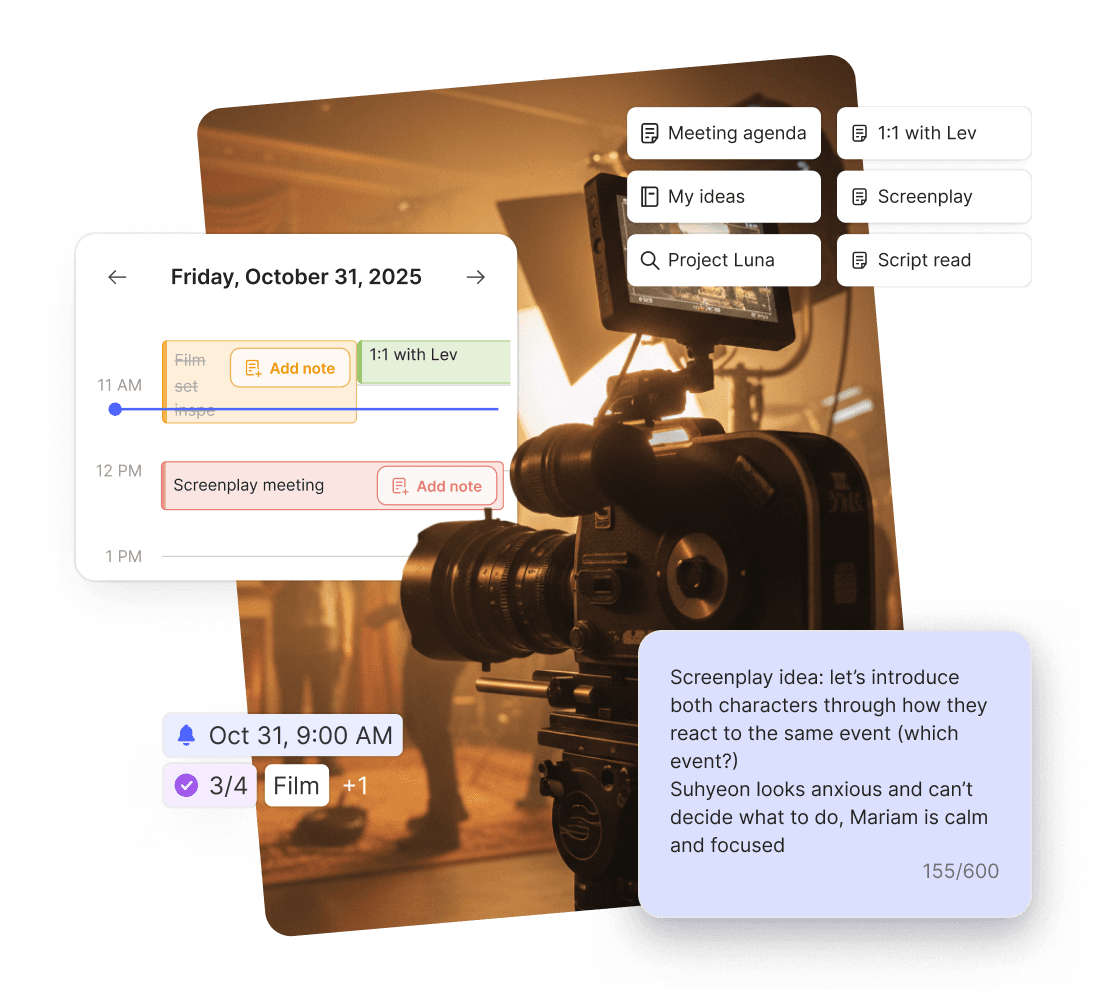
Turn a goal into repeating tasks
Break a goal into small steps and add them as tasks. Make the daily ones repeat, so each morning shows what to do today.
Keep a journal from a template
Save your journal layout as a template, with prompts such as "what went well" and "what I will try tomorrow", and start each entry from it.
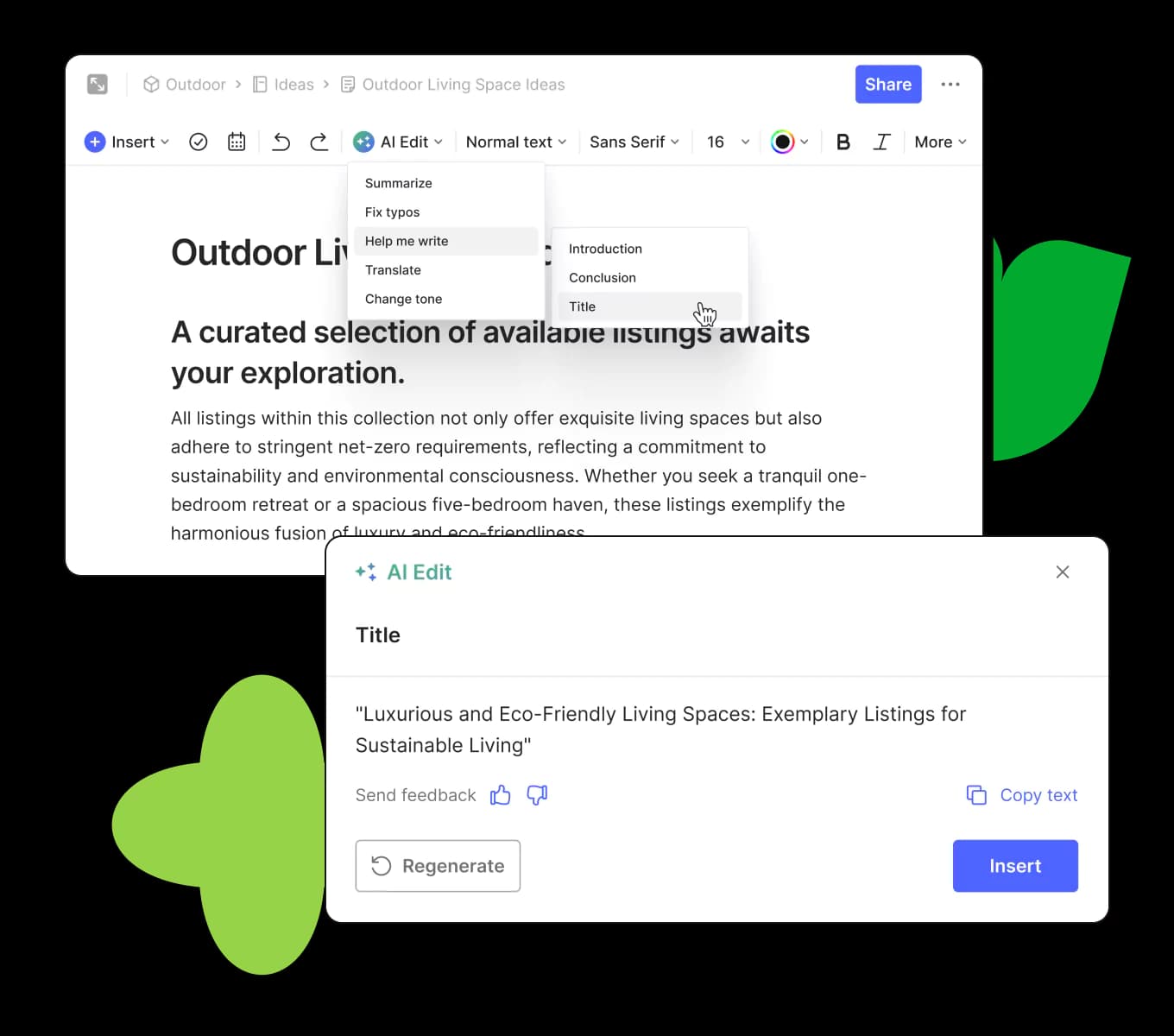
Look back at what you wrote
Ask the AI Assistant what themes come up across your journal, or how your progress on a goal changed over the last month.
Wellbeing
17 guides
Journaling
15 guides
- What are the benefits of journaling?
- How to bullet journal
- How to journal for mental health
- How to lucid dream
- How to practice gratitude
- How to start a diary
- How to teach gratitude
- How to make a travel journal
- What is a commonplace journal?
- What is a gratitude journal?
- What is gratitude?
- What is journaling?
- What to write in a journal
- How to write a journal entry
Goals
12 guides
Productivity
11 guides
Frequently asked questions
Can Evernote remind me every day?

Yes. Add a task that repeats every day, with a reminder at the time you choose.
Can I keep a private journal in Evernote?
Yes. Notes are private unless you share them. Keep your journal in its own notebook.
Can the AI Assistant help me set goals?
Yes. Describe what you want to achieve and ask the AI Assistant to break it into steps. It can add the steps as tasks, including repeating ones.
Can I get a journal prompt on a schedule?
Yes. Save a prompt and schedule it, and the AI Assistant writes a new note for you at the time you set, such as a weekly review every Sunday.
Start your first goal in Evernote
Goals, habits and your journal in one place, with reminders that bring you back.
Start for free