
Focus on what matters
V11 introduces three new AI features to help you save time, stay focused, and let your ideas flow.


AI Assistant
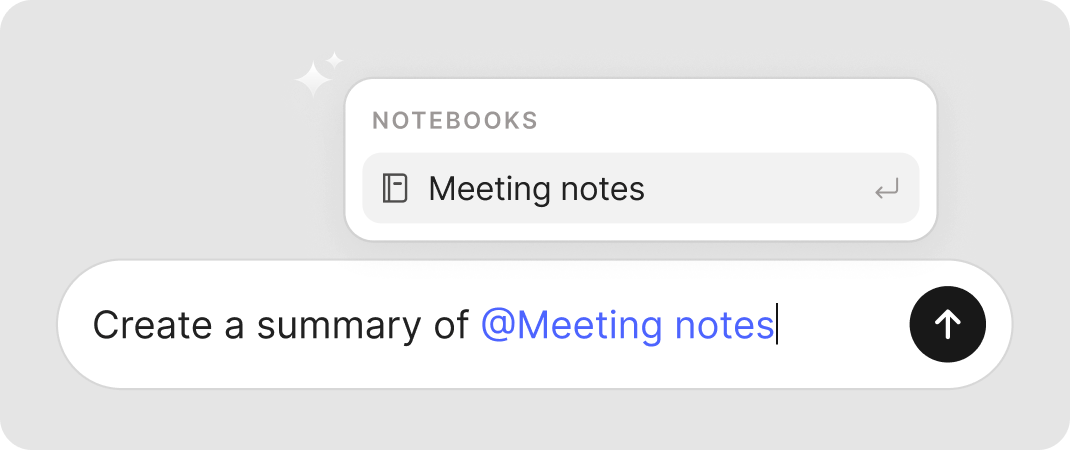
Search, organize, and enrich your notes, all from a dedicated chat.
A powerful companion
Developed in close collaboration with OpenAI, AI Assistant brings the highest quality large language models (LLMs) directly into Evernote.

Ask your AI Assistant anything
AI Assistant helps you stay organized, manage your tasks, and pull in the right information, all from a simple request.
Take action
Generate new content, organize notes, add tags, and more.
Search & find
Retrieve relevant content directly from the chat window.

Explore online
Harness the power of the web without leaving Evernote.


Your data security is our priority
Evernote’s AI features are privacy-first by design—your data is always secure. To learn more, read the Privacy Policy, Supplemental Terms, and our 3 Laws of Data Protection.
Forgot the name of a note? Not a problem.
All it takes is a simple description to surface the most relevant information.

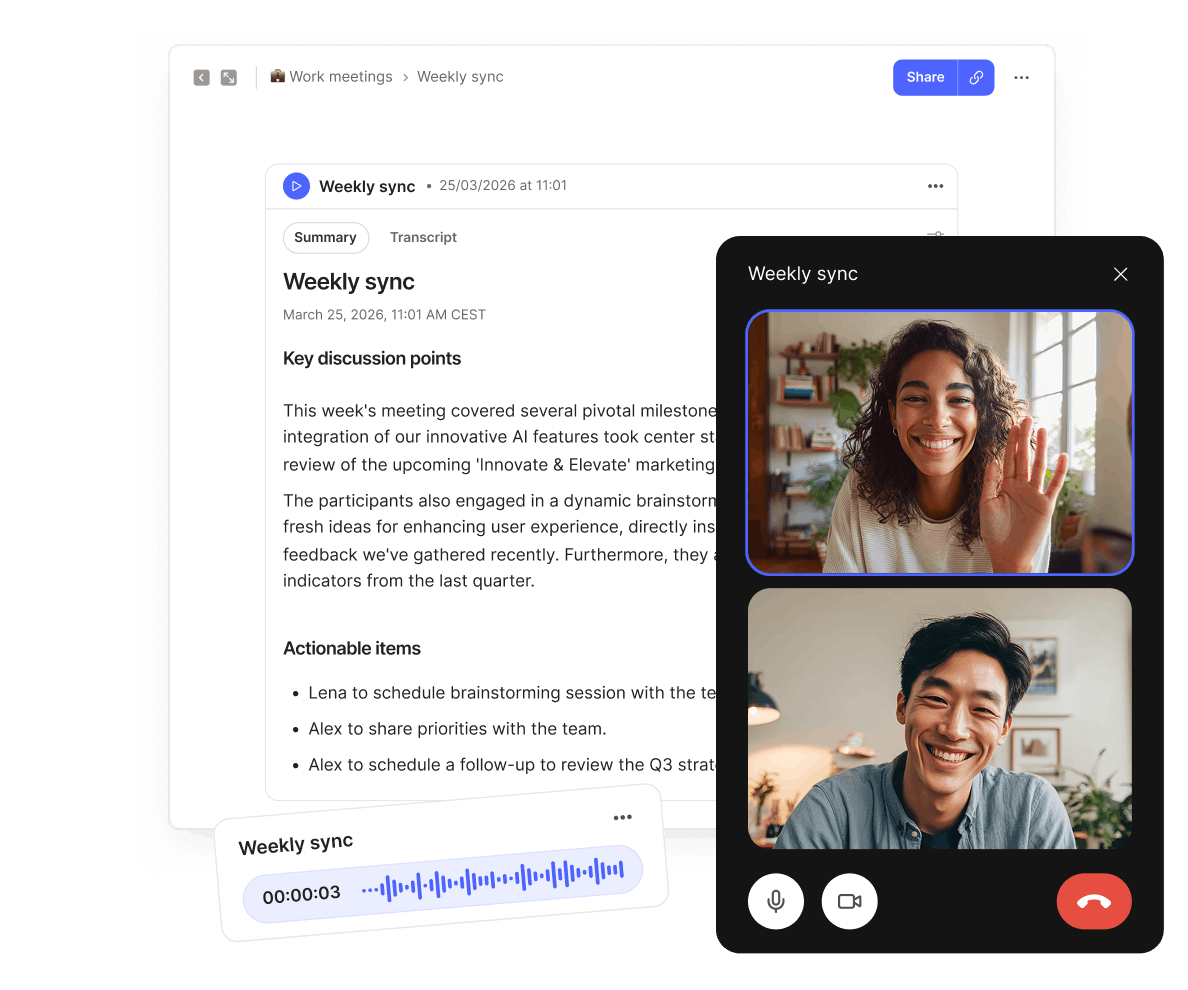
Record, transcribe and summarize
Stay focused in meetings knowing that you’ll have reliable records of every detail.